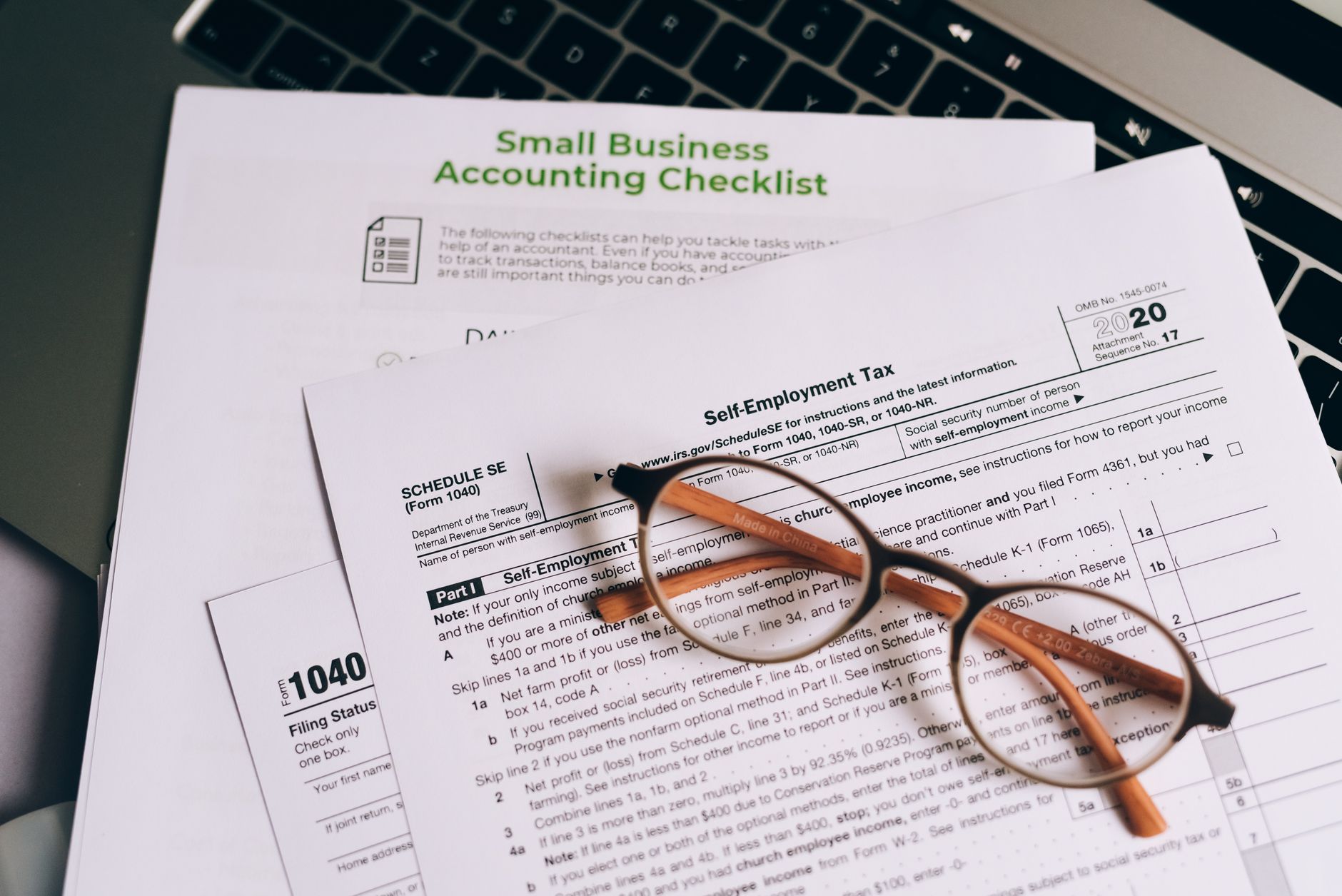
If you run your own business, the IRS expects you to pay taxes as you earn money, not just once a year in April. That means quarterly estimated tax payments, and if you skip them or underpay, you will face penalties on top of whatever you owe. The good news is that once you understand how the system works, it is not complicated. This guide breaks it all down in plain English so you can stay current, avoid surprises, and keep more of what you earn.
Why Quarterly Taxes Exist
The U.S. tax system is pay-as-you-go. When you work a regular job, your employer withholds income tax from every paycheck and sends it to the IRS on your behalf. When you own a business, no one does that for you. The IRS still wants its money throughout the year, so they require self-employed individuals and business owners to make estimated tax payments four times a year. These payments cover both income tax and self-employment tax, which is the Social Security and Medicare contribution that employees split with their employers but that sole proprietors and single-member LLC owners pay in full.
Who Has to Pay Quarterly Estimated Taxes
You generally need to pay quarterly estimated taxes if you expect to owe at least $1,000 in federal taxes for the year after accounting for any withholding and credits. This applies to sole proprietors, partners in a partnership, S corporation shareholders who receive pass-through income, and single-member LLC owners. If you run an S corp and pay yourself a salary, your W-2 withholding may cover most or all of your tax bill, but if you take additional distributions, you may still owe estimated taxes on that income.
The simplest way to know if you need to pay: if you had a tax bill last year and your income is similar this year, start making payments. If you are new to business and expect to clear a profit, start making payments. Better to overpay slightly and get a refund than to underpay and get hit with a penalty.
The Four Quarterly Due Dates
Quarterly estimated tax payments are due four times per year. The IRS schedule for 2025 and 2026 looks like this:
- Q1 (January 1 to March 31): Due April 15
- Q2 (April 1 to May 31): Due June 16
- Q3 (June 1 to August 31): Due September 15
- Q4 (September 1 to December 31): Due January 15 of the following year
Notice that the quarters are not equal in length. Q2 covers only two months, which trips up many new business owners. Mark these dates on your calendar now and treat them like payroll obligations, because they are.
How to Calculate What You Owe
There are two safe harbor methods for calculating your quarterly payments. Either one will protect you from underpayment penalties even if you end up owing more at tax time.
Method 1: Pay 100% of Last Year’s Tax Bill
Look at your total federal tax liability from last year (line 24 on Form 1040). Divide that number by four and pay that amount each quarter. If your adjusted gross income last year was over $150,000, you need to pay 110% of last year’s tax bill, not 100%. This method is simple and predictable, and it works especially well if your income is roughly similar year over year.
Method 2: Pay 90% of This Year’s Estimated Tax
If your income has dropped significantly from last year or you have large new deductions, you may want to base your payments on what you actually expect to owe this year. Estimate your net business income, subtract your deductions, calculate your income tax and self-employment tax, and make sure you pay at least 90% of that total across your four quarterly payments. This method takes more work but can save you money if your business has a down year.
IRS Form 1040-ES includes a worksheet that walks you through the calculation. You can download it directly from the IRS website at irs.gov.
How to Actually Make the Payment
The IRS makes it easy to pay electronically through the Electronic Federal Tax Payment System (EFTPS) at eftps.gov. You set up a free account, link your bank, and schedule payments. You can also pay through IRS Direct Pay at irs.gov/payments with no account required. Most payments clear in one to two business days, so do not wait until the due date to initiate the transfer.
If you prefer paper, you can mail a check with a completed Form 1040-ES voucher. The payment address varies by state, so check the form instructions for the correct mailing address. Mailed payments are counted on the date they are postmarked, not the date they arrive.
State Estimated Taxes: Do Not Forget Them
Most states with an income tax also require quarterly estimated payments, and they generally follow similar rules to the federal system. The due dates often match the federal schedule, but not always. Some states, like California, have different deadlines. Check your state’s department of revenue website or ask your accountant. If you fail to pay state estimated taxes, you can face state-level penalties on top of your federal ones, and those can add up fast.
Setting Up a System That Makes This Painless
The biggest mistake small business owners make is spending their revenue without setting aside money for taxes. Here is a simple system that works:
- Open a dedicated tax savings account. Every time revenue comes in, move 25 to 30 percent of net profit into this account. For most small business owners this more than covers federal income tax plus self-employment tax. Anything left over after tax season is yours.
- Track income and expenses monthly. You cannot estimate your tax correctly if you do not know your profit. Use accounting software or even a simple spreadsheet. Knowing your numbers is non-negotiable. If you need help with the basics, our guide on how to set up a simple bookkeeping system is a good starting point.
- Schedule your payments in advance. Log into EFTPS at the start of each quarter and schedule the payment for the due date. Put it on autopilot so you are never scrambling at the last minute.
- Reconcile before each due date. A week before each payment is due, look at your actual income and expenses for the period. If your earnings were higher than expected, adjust the payment up. If you had a slow quarter, you can pay the safe harbor minimum and catch up later.
What Happens If You Miss a Payment
Missing a quarterly payment does not mean the IRS will come knocking. It means you will owe an underpayment penalty when you file your annual return. The penalty is calculated as a percentage of the amount you should have paid, multiplied by the number of days the payment was late. For 2024 and 2025, the IRS underpayment penalty rate has been around 8 percent annually, prorated by day. On a $2,000 underpayment for 90 days, that is roughly $40, which may not seem like much, but it adds up if it happens every quarter for years.
If you missed a payment and want to catch up, just pay as soon as possible. The penalty is calculated on how many days the payment was late, so catching up early reduces the damage. You can use IRS Form 2210 to calculate exactly how much you owe in penalties, or your tax software will calculate it automatically when you file.
How Quarterly Taxes Interact With Your Annual Return
Quarterly estimated payments are credits against your total annual tax liability. When you file your Form 1040 in April, you add up everything you paid in estimated taxes throughout the year and apply it to your total bill. If you overpaid, you get a refund. If you underpaid, you owe the difference plus any underpayment penalty.
This is also why it pays to have good books. When your income and expenses are tracked cleanly, your accountant can give you a much more accurate estimate of your tax liability before the year ends, giving you time to make an extra fourth-quarter payment to cover any gaps. For more on working with financial professionals, see our guide on how to choose and work with a business accountant.
A Word on Self-Employment Tax
Self-employment tax is the part that surprises most new business owners. As a self-employed person, you pay both the employee and employer portions of Social Security and Medicare, which currently totals 15.3 percent on the first $176,100 of net self-employment income (2025 threshold), then 2.9 percent on anything above that. When you include income tax on top of that, your effective tax rate can easily land between 25 and 40 percent of net profit depending on your total income and deductions.
The silver lining is that you can deduct half of your self-employment tax from your gross income when calculating your income tax. This deduction comes automatically when you complete Schedule SE with your annual return. It does not eliminate the tax, but it meaningfully reduces your income tax bill.
Should You Work With an Accountant or Go It Alone
If your business is relatively simple, a single-person operation with straightforward revenue and common deductions, tax software like TurboTax Self-Employed or H&R Block Premium can handle quarterly estimated taxes without much trouble. These tools will calculate your safe harbor payment, remind you when payments are due, and help you file at year end.
If you have employees, multiple income sources, an S corporation election, significant assets, or revenue north of $200,000 per year, working with a CPA or enrolled agent is worth every dollar. A good accountant does not just file your taxes: they help you plan throughout the year, identify deductions you would miss on your own, and catch problems before they become expensive. Think of it as an investment in keeping more of what you earn rather than a cost of doing business.
Keep It Simple: The One-Page Checklist
- Open a dedicated tax savings account and move 25 to 30 percent of net profit into it monthly
- Know your four due dates: April 15, June 16, September 15, January 15
- Use EFTPS to schedule payments in advance
- Use the safe harbor rule (100% or 110% of last year’s tax bill) if you want simplicity
- Track income and expenses every month so you know where you stand
- Do not forget state estimated taxes if your state has income tax
- Talk to a CPA at least once a year, even if you handle your own books
Quarterly taxes are one of those things that feel complicated until you understand the basic rules, and then they feel totally manageable. The goal is to stop thinking about taxes once a year and start treating them as a regular operating cost. Your future self, the one not scrambling to find $8,000 in April, will thank you. For a deeper look at keeping your numbers in order year-round, check out our guide on how to use financial forecasting to plan for growth.
Ready to take your business to the next level? Join thousands of entrepreneurs who get no-fluff business tips, strategies, and tools delivered straight to their inbox. Join Hustler’s Library for free and start growing smarter today.
Ready to Know Where You Stand?
The Business Journey dashboard maps your exact position across all 13 stages. Track your progress, unlock resources for each step, and build with a framework used by thousands of founders at Hustler's Library.

No credit card required · Takes 3 minutes · Personalized to your stage