

A call center or sales floor is the engine of your revenue operation. Whether you are running a five-seat inside sales team or a 25-agent outbound call center, the physical environment directly affects output. Cramped, noisy, poorly equipped spaces kill call quality, drive turnover, and cost you deals. The right setup does the opposite.
This guide covers everything you need to build a functional, professional call center or sales floor from scratch using Amazon. We include headsets, desks, monitors, chairs, and supporting gear with honest picks at every price point. Every product link includes the hustlerslib09-20 affiliate tag so you can build a cart and track your costs.
This is part of the Complete Amazon Office Setup Series. If you are outfitting an entire office, start with the hub guide first.
1. Headsets: The Single Most Important Purchase
Your sales reps are on the phone for five to eight hours a day. A bad headset creates audio fatigue, missed words, and dropped calls. It also sounds unprofessional to the prospect on the other end. Do not scrimp here.
Budget Pick: Jabra Evolve2 30 (~$80-$100 per unit)
The Jabra Evolve2 30 is a USB corded mono headset with passive noise cancellation and a microphone that picks up voice clearly while filtering ambient noise. It is lightweight, comfortable for all-day wear, and compatible with every major softphone platform including RingCentral, Dialpad, Zoom Phone, and HubSpot calling. Honest trade-off: no active noise cancellation at this price. Fine for a moderately quiet sales floor, not ideal for chaotic open offices.
Mid-Tier Pick: Jabra Evolve 65 (~$150-$200 per unit)
The Jabra Evolve 65 adds wireless freedom (up to 100 meters from the dongle), a busy light that signals when the rep is on a call, and a 30-hour battery. The freedom to stand, pace, or grab a coffee without putting the prospect on hold is genuinely valuable for long calls. This is the sweet spot for a growing sales team.
Premium Pick: Plantronics Poly Voyager Focus 2 (~$220-$280 per unit)
The Poly Voyager Focus 2 brings active noise cancellation (ANC) to the call center context. In a loud sales floor, the ANC lets reps focus completely on the call without hearing every conversation around them. It also has hybrid ANC that lets you toggle ambient awareness when you need to hear your manager. At scale, the per-unit cost adds up fast, but for your top closers or in particularly noisy environments, it pays for itself in close rate alone.
Headset Accessories
- Headset stand: Desktop headset stand (~$12-$18 each). Keeps headsets off the desk surface and looking organized when not in use.
- Spare ear cushions: After six months of daily use, ear cushions flatten and become uncomfortable. Order a set of spares upfront. Most Jabra replacement cushions run $15-$25.
2. Desks for Sales Reps
Call center and sales floor desks need to maximize space efficiency. You want enough surface for a monitor, keyboard, mouse, notepad, and the occasional coffee cup, without extra bulk. Individual desks in a dense layout beat large collaborative tables because they give each rep a defined workspace, which reduces noise bleed and distraction.
Budget Pick: FEZIBO or Yaheetech 48-inch Desk (~$80-$120)
For budget-conscious buildouts, a simple 48-inch single-surface desk from brands like FEZIBO or Yaheetech gives you enough workspace without wasting square footage. Clean, minimal, and easy to arrange in rows. Buy matching units so the floor looks intentional rather than assembled from whatever was available.
Mid-Tier: Electric Height-Adjustable Desk (~$250-$450)
If your team is on calls all day, a height-adjustable standing desk pays productivity dividends. Reps who stand for part of their shift report higher energy levels and fewer end-of-day fatigue complaints. Brands like FEZIBO, Flexispot, and Vivo all have solid options in the $250-$450 range for 48-inch desks. For more on standing desk options, see our guide to the best standing desks.
Desk Dividers
On a dense sales floor, desk dividers reduce audio cross-contamination between reps and give each person a small sense of personal space. Clamp-on fabric desk dividers (~$40-$70 per panel) are the easiest solution. They install without tools and can be repositioned as the layout evolves.
3. Monitors
Sales reps typically need a CRM, a power dialer, a web browser, and email visible simultaneously. A single 24-inch monitor is the minimum. A dual setup is better. An ultrawide is a luxury for most call center environments but makes sense for sales leaders who need multiple views at once.
Standard Pick: LG 24″ IPS Monitor (~$120-$160 per unit)
The LG 24-inch IPS is the reliable, no-drama option for a sales floor. IPS panel means the screen looks good at the angles everyone in a row of desks inevitably sits at. Full HD resolution is plenty for CRM and browser use. Buy a matching set for visual uniformity across the floor. For a full monitor comparison covering more use cases, see our monitor buying guide.
Dual Monitor Arms
If you are doing dual monitors, a dual monitor arm mount (~$40-$65) frees up the entire desk surface and lets reps position both screens at ideal heights and angles. The VIVO and Ergotron brands both have well-reviewed options in this range. This is a small investment that meaningfully improves the ergonomics and tidiness of every workstation.
4. Seating
Sales reps sit for hours. Uncomfortable chairs drive turnover. You do not need to buy $1,000 Aerons for every seat, but investing in real ergonomic chairs instead of basic task chairs will protect your team’s backs and your retention numbers.
Budget Pick: HON Volt Task Chair (~$150-$200)
The HON Volt is a mesh-back task chair with adjustable lumbar support, seat height, and armrests. HON is a commercial-grade brand whose chairs are built for the volume use of a real office rather than occasional home use. At this price point, it is the right call for outfitting a whole floor.
Mid-Tier: HON Ignition 2.0 or Humanscale Diffrient (~$300-$400)
If you have the budget, the HON Ignition 2.0 adds a seat depth slider and better lumbar adjustment. It is the most popular office chair in the commercial segment for a reason: it accommodates a wide range of body types without the need for complex setup. The Humanscale Diffrient World is an excellent alternative for reps who prefer a recline-forward design.
5. Computers
Most call center and inside sales roles run on lightweight software: a CRM (HubSpot, Salesforce, or Zoho), a power dialer, Gmail or Outlook, and a browser. You do not need gaming rigs. You need reliable, fast-booting machines that handle multitasking without lag.
Budget: Mini PC Setup (~$200-$300 per unit)
A mini PC from brands like Beelink, Minisforum, or Intel NUC gives you a full Windows desktop in a unit smaller than a paperback book. These pair with any monitor and keyboard and are significantly cheaper per seat than buying laptops. For a standard CRM and softphone workflow, an Intel i5 mini PC with 16GB RAM and a 256GB SSD handles everything without issue. Great for fixed workstations where portability is not required.
Mid-Tier: Lenovo ThinkCentre or Dell OptiPlex (~$400-$600 per unit)
If you want commercial-grade support and warranty service, the Lenovo ThinkCentre and Dell OptiPlex small form factor desktops are the standard for business deployments. They come with three-year next-business-day warranties, run quietly, and are field-serviceable if something breaks. For a sales floor where downtime costs you revenue, the warranty support is worth the premium over consumer-grade hardware.
6. Keyboards and Mice
At scale, silence matters. A sales floor full of clicky keyboards is a focus killer. Go with low-profile quiet keyboards for the whole team.
- Wireless keyboard and mouse combo: Logitech MK295 Silent Wireless Combo (~$35-$45). 90% quieter than standard keyboards according to Logitech’s own testing. Compact layout frees up desk space. USB nano receiver is unobtrusive. Buy a box of five at a time to simplify procurement.
7. USB-C Docking Stations (If Using Laptops)
If your sales team uses laptops rather than desktops, a docking station at each workstation transforms the laptop into a full desktop setup: dual monitors, wired ethernet, and a single cable connection. The Anker PowerExpand 13-in-1 USB-C dock (~$80-$100) handles dual HDMI outputs, a 1Gbps ethernet port, and multiple USB-A ports. For a full comparison of docking solutions, see our USB-C hub and docking station guide.
8. Networking: Wired Beats Wireless for Call Quality
This is the point most people miss. WiFi is fine for email. It is not fine for eight reps making simultaneous VoIP calls. Packet loss on WiFi causes choppy audio and dropped calls. Run ethernet to every desk if at all possible.
- Network switch: A NETGEAR 16-port gigabit switch (~$50-$70) lets you run a wired connection to every desk from a single router connection. Simple plug-and-play, no configuration needed.
- Flat ethernet cable: Flat Cat6 ethernet cables (~$8-$12 for 25-foot runs) run under desk mats and along baseboards without the bulk of round cables. Run one per desk.
9. Acoustic Panels and Sound Management
Open sales floors get loud fast. Acoustic treatment is not a luxury when your reps are on phone calls all day. Hard walls, hard floors, and low ceilings create echo that makes your reps sound like they are calling from a gymnasium.
- Acoustic wall panels: 12-pack acoustic foam panels (~$25-$45) applied to the wall behind workstations reduce echo noticeably. They are not soundproofing, but they improve call quality and reduce the fatigue that comes from working in a reverberant space.
- Area rug: On hard floors, a large area rug absorbs sound better than almost any other single intervention. 8×10 area rugs on Amazon start around $60-$100 for commercial-grade options.
Complete Call Center / Sales Floor Budget Summary
Here is what a full buildout costs per seat at each tier (not including networking infrastructure, which is a one-time shared cost):
| Item | Budget/Seat | Mid-Tier/Seat | Premium/Seat |
|---|---|---|---|
| Headset | $80-$100 | $150-$200 | $220-$280 |
| Desk | $80-$120 | $250-$450 | $400-$600 |
| Chair | $150-$200 | $300-$400 | $500-$700 |
| Monitor(s) | $120-$160 | $240-$320 | $400-$600 |
| Computer | $200-$300 | $400-$600 | $700-$1,000 |
| Keyboard + mouse | $35-$45 | $50-$70 | $80-$120 |
| Total per seat | ~$665-$925 | ~$1,390-$2,040 | ~$2,300-$3,300 |
Software Matters as Much as Hardware
The gear means nothing without the right sales tools running on it. If you do not yet have a CRM and power dialer set up, those are your next priorities after equipment. Our guide to the best CRM for small business covers the leading platforms with honest comparisons across HubSpot, Salesforce, Zoho, and Pipedrive, so you can match the software to the size of your team and your budget.
For a comprehensive overview of sales technology, Salesforce’s guide to essential sales tools is a useful reference for understanding what categories of software belong in a modern sales stack.
The Setup Order That Saves You Rework
Set up in this order to avoid having to move things twice:
- Run ethernet before placing desks. Routing cable around furniture is miserable.
- Place desks and run cable management before adding monitors or computers.
- Mount monitor arms and set monitor height before chairs arrive, so you are not crouching.
- Adjust chairs to desk height after everything is in position.
- Add headset stands, organizers, and accessories last.
Free Business Resources
Building your team’s workspace?
Join Hustler’s Library free and get access to setup guides, sales playbooks, hiring templates, and more.
Ready to Know Where You Stand?
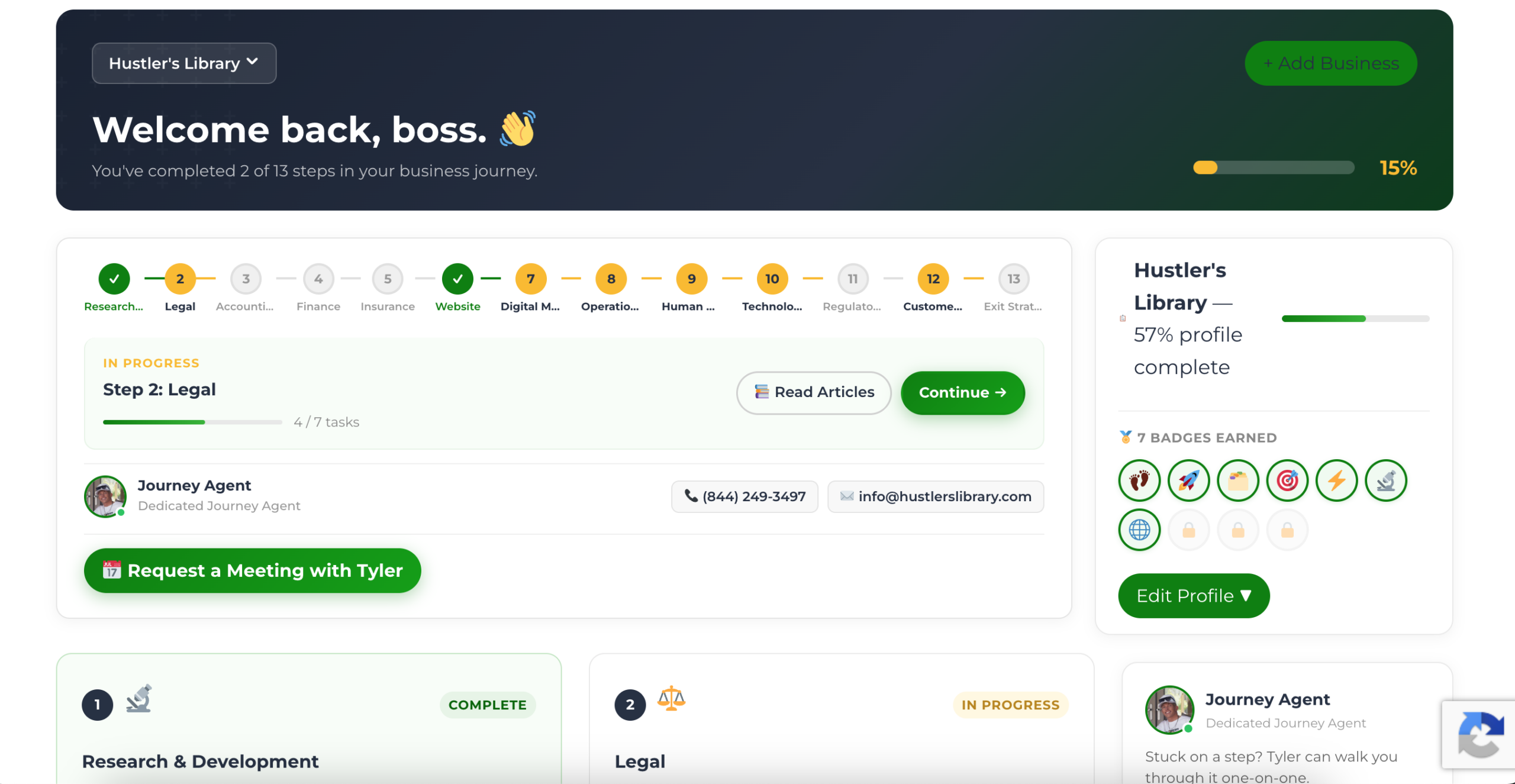
The Business Journey dashboard maps your exact position across all 13 stages. Track your progress, unlock resources for each step, and build with a framework used by thousands of founders at Hustler's Library.
No credit card required · Takes 3 minutes · Personalized to your stage