

Opening a new office is exciting and expensive, and most first-time buyers have no idea what they actually need until the furniture shows up and there are no power strips. This guide is the complete Amazon shopping framework for setting up a professional business office from scratch, organized by room and priority, with real product picks and honest price expectations at every tier.
Whether you’re outfitting a solo home office, a shared team space, or a full commercial suite, this hub covers the entire setup. Bookmark it, work through it room by room, and you’ll have a functional, professional office without overspending on things that don’t matter.
Before You Buy Anything: The Office Setup Framework
Start with these three questions:
- How many people will use this space? Solo, 2-5, or 6+. Equipment and quantity decisions flow from headcount.
- What type of work happens here? Phone sales need headsets. Design work needs monitors. Client-facing offices need reception furniture that makes an impression. Match gear to workflow.
- What’s your setup budget? Set a hard number. The tiers below will help you hit any budget from $500 (home office) to $10,000+ (full commercial suite).
The framework below organizes the office into six functional zones. Not every business needs all six. Start with what you do need and add the rest when the business earns it.
Zone 1: The Primary Workstation (Desk and Chair)
This is the highest-priority purchase in any office setup. Cheap chairs destroy backs and productivity. A good desk-and-chair combination is a multi-year investment.
Desk
- Budget: IKEA Linnmon Series or Cubiker Writing Desk (~$60-90). Functional, stable, no frills. Good for a starter setup you’ll upgrade in 12-18 months.
- Mid-range: Flexispot EN1 Electric Standing Desk (~$280-350). Single motor, 48″ or 60″ surface, sits to stand in four seconds. The most popular standing desk recommendation in the sub-$400 range.
- Premium: Uplift V2 Standing Desk (~$550-800). Dual motor, 10-year warranty, sway-free at full height. The Wirecutter’s top pick for serious users. Worth it if you stand more than two hours a day.
Chair
- Budget: HON Ignition 2.0 (~$200-250). Commercial-grade from a brand that sells to corporations. Better than most consumer chairs at twice the price.
- Mid-range: Autonomous ErgoChair Pro (~$399). Full lumbar support, adjustable armrests, mesh back. Ships direct and worth every dollar for 8-hour work days.
- Premium: Herman Miller Aeron (~$1,100-1,500). The benchmark. Fully adjustable PostureFit SL lumbar support, 12-year warranty, available in three sizes. If you’re at your desk more than six hours a day, this is the chair to buy once and own for a decade.
See the full breakdown including anti-fatigue mats (essential if you’re running a standing desk) in our guide to the Best Anti-Fatigue Standing Desk Mats for Entrepreneurs.
Zone 2: The Display and Peripherals Setup
Once the desk and chair are solid, your screen setup and peripherals define your daily productivity ceiling.
Monitor
- Budget single monitor: Dell S2722DZ 27-inch QHD (~$280-320). Built-in webcam, USB-C, IPS panel. Covers 90% of business needs.
- Mid-range ultrawide: LG 34WN80C-B 34-inch Ultrawide (~$430-500). Eliminates the bezel of a dual-monitor setup. USB-C charging, IPS, excellent color accuracy for presentations and documents.
- Dual monitor arm: Ergotron LX Dual Monitor Arm (~$150-180). Frees desk real estate, enables precise positioning. Non-negotiable with a dual-screen setup.
Keyboard
- Budget: Logitech K120 Wired (~$15). Quiet, reliable, spill-resistant. Fine for admin staff or shared-use stations.
- Mid-range wireless: Logitech MX Keys (~$99-115). Backlit, multi-device pairing (switch between laptop, desktop, tablet), comfortable low-travel keys for all-day typing.
- Mechanical (for heavy typists): Keychron K2 Pro (~$85-100). Hot-swappable switches, compact TKL layout, wireless. The most popular mechanical keyboard in the sub-$150 range for good reason. Full breakdown in our Best Mechanical Keyboards for Entrepreneurs guide.
Mouse
- Standard: Logitech M720 Triathlon (~$50-65). Multi-device pairing, comfortable for long sessions, scrolls through documents fast.
- Ergonomic: Logitech MX Master 3S (~$99-110). The recommendation in our full Best Ergonomic Mouse guide. Electromagnetic scroll wheel, silent clicks, shaped for right-hand comfort across a full workday.
Webcam
- Budget: Logitech C920 1080p (~$55-70). The most-used business webcam in the world. Reliable, works with every platform.
- Premium: Logitech Brio 4K (~$139-179). 4K with HDR, auto light correction, works perfectly in dim rooms. Worth it for client-facing video calls or recorded content.
USB-C Hub / Docking Station
Anker PowerExpand Elite 12-in-1 Thunderbolt 4 Dock (~$150-200). One cable to your laptop connects two monitors, ethernet, USB ports, SD card, and audio. Essential for any laptop-based workstation. Full guide in Best USB-C Hubs and Docking Stations for Entrepreneurs.
Zone 3: Printing and Document Management
All-in-One Printer
- Budget: HP OfficeJet Pro 9015e (~$190-230). Prints, scans, copies, faxes. 35-page auto document feeder, wireless, fast output.
- High-volume: Brother MFC-L3770CDW Color Laser (~$330-400). 25 ppm, automatic duplex, 50-page ADF. For offices printing more than 500 pages per month, the lower per-page cost of laser pays for itself quickly.
Label Maker
Underrated tool for any organized office. DYMO LabelWriter 450 (~$60-85) prints professional labels for filing, shipping, and supply organization without cartridges. The Brother P-Touch PTD210 (~$25) handles smaller labeling tasks without needing a computer connection.
Shredder
Amazon Basics 8-Sheet Cross-Cut Shredder (~$35-45) handles client documents, financial records, and anything with personal data. Not optional in a professional office.
Zone 4: Communication and Connectivity
Business Headsets
For offices with phone sales, customer service, or regular video conferencing, a good headset is a productivity tool, not a luxury.
- Budget corded: Jabra Biz 1500 Mono (~$55-75). Clear audio, noise-canceling microphone, comfortable for all-day wear.
- Mid wireless: Jabra Evolve2 55 (~$260-310). Certified for Microsoft Teams and Zoom, ANC, 34-hour battery. The standard in professional office environments.
- Budget wireless: Plantronics Voyager Focus 2 (~$140-170). Active noise canceling, 19-hour call time, USB-A dongle included.
Networking
- Router: TP-Link AX3000 WiFi 6 Router (~$80-110). Handles 10+ simultaneous devices, WiFi 6 speeds for video-heavy work. Hard-wire critical workstations via ethernet whenever possible.
- Ethernet switch: TP-Link 8-Port Gigabit Switch (~$20-25). Expand wired connections from the router cheaply. Wired connections beat WiFi for reliability in every business context.
- Cable management: J-Channel Cable Raceways (~$15-25 for a set). Tape or screw to the back of the desk and route cables cleanly. A messy cable setup looks unprofessional in client-facing spaces.
Zone 5: Lighting and Environment
Desk Lamp
- Budget: TaoTronics LED Desk Lamp (~$25-35). Adjustable color temperature, USB charging port on the base.
- Mid-range: BenQ ScreenBar Plus (~$130-160). Mounts directly on the monitor, illuminates the desk without screen glare. The productivity-focused choice for anyone spending 8+ hours at their computer. Full guide in Best Desk Lamps for Home Office Productivity.
Air Quality and Comfort
- Air purifier: LEVOIT Core 300 (~$100-130). True HEPA, covers up to 219 sq ft, near-silent operation. Reduces airborne allergens and improves the general air quality in enclosed office spaces.
- White noise machine: LectroFan EVO (~$50-65). Masks office noise, phone conversations, and HVAC systems that vary throughout the day. Useful in shared spaces or offices near traffic.
Zone 6: Supplies and Organization
The Core Supply Order
Order these before opening day so you’re not running to an office supply store mid-first-week:
- Hammermill 20lb Printer Paper (~$45-55 for a case) — Order two cases to start.
- Sticky notes (multi-pack) (~$12-18)
- Manila file folders (box of 100) (~$15-20)
- Avery 5160 Address Labels (~$18-25 for 750 labels)
- Pilot G2 Pens (12-pack) (~$10-14) — Black and blue for client-facing use.
- Stapler and staples combo (~$10-15)
- Binder clips (assorted, 100-pack) (~$8-12)
- 8-outlet surge protector power strip (~$18-28) — Buy two per workstation. You will use every outlet.
Desk Organization
- SimpleHouseware Mesh Desk Organizer Set (~$25-35) — Letter tray, pen cup, file sorter. Functional and neutral enough for any office aesthetic.
- 2-Drawer Mobile Filing Cabinet (~$65-95) — Fits under the desk, locks, holds legal and letter-size folders.
Budget Summary by Tier
Here’s a realistic total equipment budget for a single workstation setup, excluding furniture delivery and installation:
- Budget (functional but basic): $600-900 — Desk, chair, printer, keyboard, mouse, headset, monitor, supplies, and power. Nothing fancy, everything works.
- Mid-range (professional and productive): $1,800-2,800 — Standing desk, ergonomic chair, dual monitors, quality peripherals, strong networking. What most serious small businesses land on.
- Premium (high-performance or client-facing): $4,000-6,500 per workstation — Herman Miller, Uplift or equivalent, professional AV, Logitech Brio, premium headsets. Appropriate for client-facing offices or businesses where the workspace is part of the brand.
The Office Setup Series
This hub links to detailed room-by-room guides being added to the Hustler’s Library office setup series. Bookmark this page to track additions as each room guide is published.
Coming soon: reception area setup, break room on a budget, call center and sales floor, printing and supply room, and a complete supplies checklist for Day One ordering.
For home office-specific gear, start with the Best Mechanical Keyboards for Entrepreneurs and Best Ergonomic Mouse guides for the peripheral decisions most people overthink.
Setting up a business office? Join thousands of entrepreneurs at Hustler’s Library for free resources, gear guides, and business tools.
Ready to Know Where You Stand?
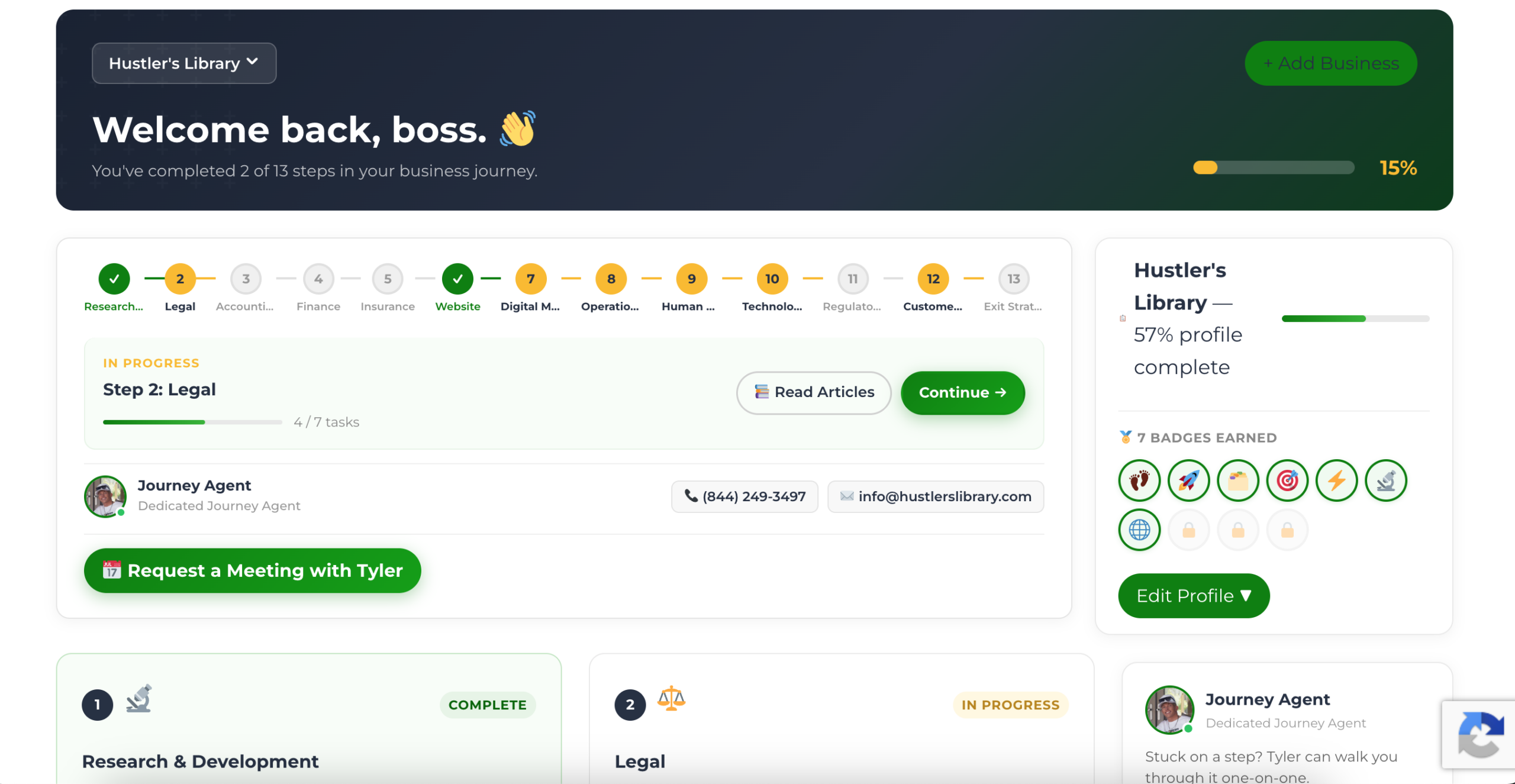
The Business Journey dashboard maps your exact position across all 13 stages. Track your progress, unlock resources for each step, and build with a framework used by thousands of founders at Hustler's Library.
No credit card required · Takes 3 minutes · Personalized to your stage