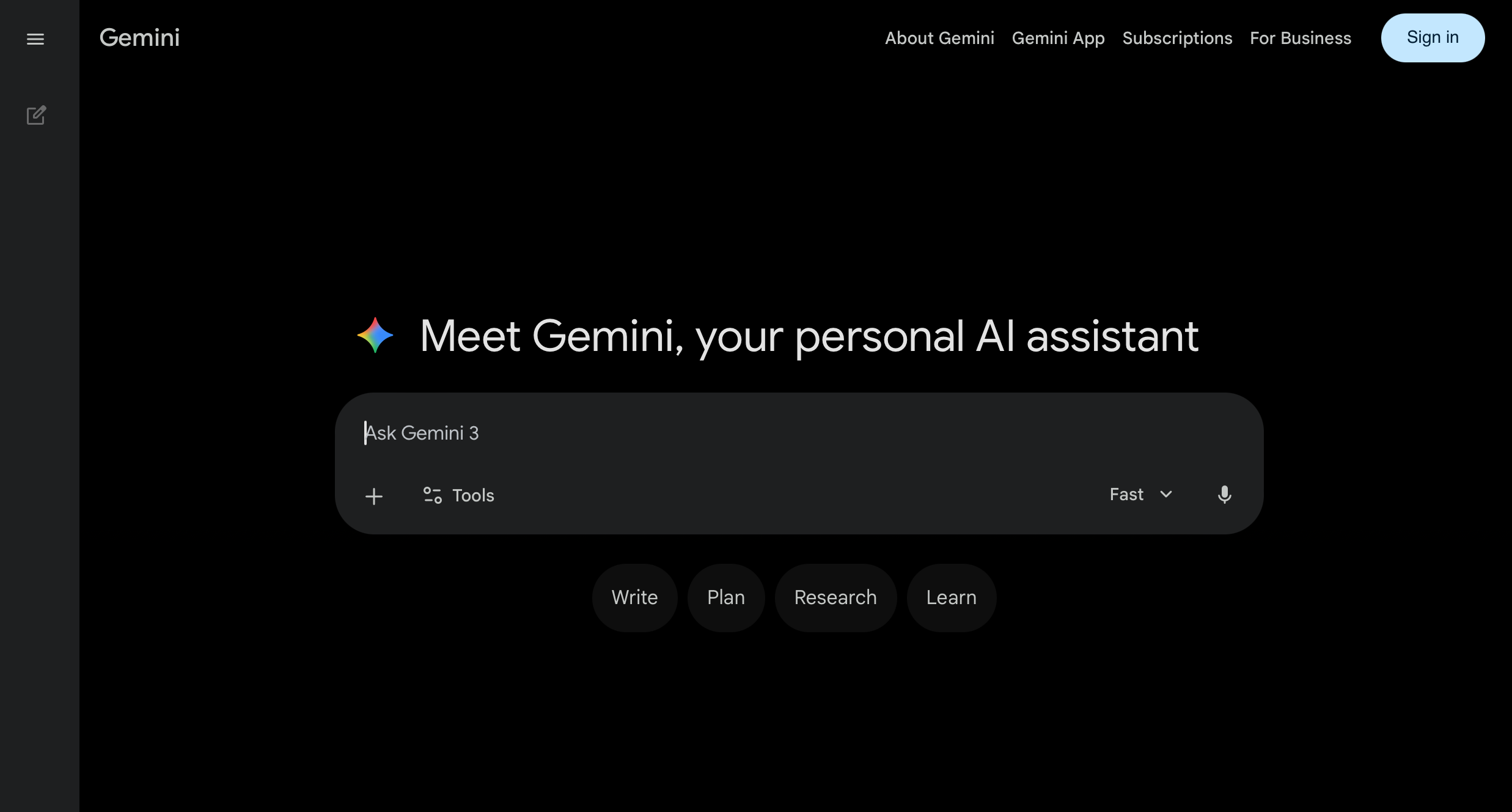
Gemini is Google’s AI assistant, and for business owners already running on Google Workspace, it’s the most immediately practical AI tool available today. Built directly into the apps you already use, Gemini can help you draft emails in Gmail, analyze data in Sheets, create presentations in Slides, and search the live web for up-to-date information. The integration alone gives it an edge that standalone AI tools simply can’t replicate for Google-native businesses.
What Is Gemini and Why Should Business Owners Care?
Gemini is Google’s flagship AI model, available through gemini.google.com as a standalone assistant and embedded across the Google Workspace suite as Gemini for Workspace. It’s multimodal, meaning it can understand and generate text, images, and data. It’s also connected to Google Search, which means it can pull real-time information from the web rather than being limited to a training cutoff date.
For business owners, the pitch is straightforward: if your business runs on Google, Gemini supercharges what you’re already doing. You don’t need to copy-paste between a separate AI tool and your work apps. The AI is already inside Gmail, Docs, Sheets, Meet, and Drive, waiting to help.
Building a lean, effective business in 2026 means using every tool that saves you time. You can find more on that approach across the Hustler’s Library resource center.
What Gemini Can Do for Your Business
Google Workspace Integration
This is Gemini’s biggest differentiator. In Gmail, it can summarize long email threads, draft replies, and help you write from scratch. In Google Docs, it can help write, edit, and format documents. In Sheets, it can analyze data, generate formulas, and create charts from natural language prompts. In Slides, it can generate full presentation drafts based on a brief. For any business running on Google Workspace, these capabilities alone justify the tool.
Real-Time Web Search
Unlike most AI tools that work from static training data, Gemini can access live Google Search results. That means you can ask it for current market data, recent news about a competitor, up-to-date pricing, or trending topics in your industry and get accurate, sourced answers. This is a significant advantage for research-heavy tasks.
Multimodal Analysis
Upload an image, a chart, a screenshot of a competitor’s landing page, or a photo of a product, and Gemini can analyze it and respond intelligently. For product businesses, marketing teams, and anyone working with visual content, this capability opens up real practical use cases.
Content Creation and Drafting
Gemini can write blog posts, marketing copy, email campaigns, business proposals, and social media content. The quality is competitive with other top-tier AI tools, and the ability to work directly inside Google Docs makes the drafting workflow faster.
Summarization and Meeting Notes
After a Google Meet call, Gemini can generate a summary of what was discussed and a list of action items. For business owners who run a lot of calls, this is one of the most immediately useful features.
Google Sheets Data Analysis
Most business owners have spreadsheets full of data they don’t fully understand or act on. Gemini changes that. Inside Google Sheets, you can describe what you want in plain English and it will generate formulas, create charts, flag trends, and build summaries without you needing to know a single function. This is a genuine unlock for operators who track revenue, inventory, pipeline, or team performance in Sheets.
Example prompt: “I have a Google Sheet with monthly sales data for 12 months across five product categories. Write a formula to calculate the month-over-month growth percentage for each category. Then describe what a useful chart would look like to visualize this data and which chart type in Google Sheets best fits this analysis.”
Competitive Research with Live Web Access
Gemini’s live web access makes it a research tool that most AI products simply cannot match for current information. You can ask it to pull recent pricing from competitors, summarize new product launches in your space, identify shifts in market positioning, or compile a quick profile on a company you’re about to pitch or partner with. The output is sourced and up to date, not based on stale training data.
Example prompt: “Search the web and give me a current competitive snapshot of the top three project management tools used by small businesses: pricing, key features, and any recent product updates from the last six months. Format as a comparison table with a brief summary of where each one is strongest and weakest for a team under 20 people.”
Google Meet Summary and Action Items
For business owners who run client calls, team standups, or vendor negotiations over Google Meet, Gemini can automatically generate a meeting summary and extract clear action items when the call ends. No more relying on memory or scrambling to take notes mid-conversation. The output goes directly into Google Docs, ready to share with everyone who was in the room.
Example prompt: “Here is the transcript from our 45-minute client onboarding call: [paste transcript]. Summarize the call in five bullet points covering the client’s main goals, concerns, and expectations. Then list all action items discussed, who owns each one, and any deadlines that were mentioned. Format for a follow-up email I can send to the client today.”
Creating Presentations in Google Slides from a Brief
Building a presentation from scratch is one of the biggest time drains for business owners. Gemini can take a brief and generate a full slide-by-slide outline with content for each slide, then push it directly into Google Slides. You get a structured, professional draft in minutes instead of hours. You still design and refine, but you’re not starting from a blank deck.
Example prompt: “Create a 10-slide presentation outline for a sales pitch to a mid-sized retail company. We are presenting a B2B inventory management software. Slides should cover: the problem with current inventory practices, our solution overview, three key features with business benefits, a customer success story, pricing overview, and a clear call to action. For each slide include a headline and three bullet points of supporting content. Tone: professional and outcome-focused.”
How to Get Started with Gemini
Step 1: Go to gemini.google.com and sign in with your Google account. The free version is available immediately.
Step 2: Start with a task you actually have right now. Ask Gemini to summarize a news article, draft an email, or research a topic related to your business. Get a feel for how it responds.
Step 3: Connect it to your workspace. If you use Google Workspace (Gmail, Docs, Sheets, etc.), enable Gemini for Workspace through your Google account settings or admin console. This is where the real value kicks in.
Step 4: Use the “@” feature inside Workspace apps to pull Gemini into any document or email. Highlight a block of text in Docs and ask Gemini to improve it, shorten it, or change the tone.
Step 5: Leverage web grounding. When you need current information, ask Gemini questions that require up-to-date data. Compare this to other AI tools that would give you outdated answers. The live search capability is a genuine competitive edge for research.
Free vs Paid: Which Plan Do You Need?
The free version at gemini.google.com is genuinely useful for standalone tasks: writing, research, Q&A, and general productivity. It’s a capable tool for casual business use.
Gemini Advanced at $19.99/month (via Google One AI Premium) unlocks the most powerful version of the Gemini model and, critically, enables the full Gemini for Workspace experience: AI assistance inside Gmail, Docs, Sheets, Slides, and Meet. If you’re using Google Workspace for your business, this is the plan that turns Gemini from a nice tool into a core part of your daily workflow.
For businesses already paying for Google Workspace Business plans, Gemini for Workspace is available as an add-on. Check your current plan to see whether AI features are already included or can be enabled. The math often works out favorably compared to paying separately for a standalone AI tool.
Gemini vs the Competition: Where It Stands Out
Gemini’s strongest advantage is ecosystem integration. No other AI tool is built directly into your email, documents, spreadsheets, and video calls at this level. For businesses that live in Google Workspace, switching costs to use a separate AI tool are real, and Gemini eliminates them. The live web search capability also sets it apart for any task requiring current information.
Where ChatGPT and Claude maintain edges: ChatGPT has a broader feature set and a more mature plugin ecosystem for non-Google workflows. Claude outperforms for deep document analysis and following complex multi-step instructions. Gemini is the right call if your business runs on Google; it’s a harder sell if your operations are built on Microsoft 365 or other platforms.
Common Mistakes Beginners Make
- Using it only at gemini.google.com and ignoring Workspace integration. The standalone chat interface is useful, but the Workspace integration is where the tool transforms your daily operations. Set it up early.
- Forgetting the web search advantage. Most users prompt Gemini like a static AI tool. Remember to ask it questions that require live information. That’s a capability your competitors using other tools don’t have by default.
- Not giving it context about your business. Gemini performs better when it knows who you are and what you’re trying to accomplish. Open every session with a brief context statement if you’re working on something specific.
- Treating it as a Google replacement. Gemini is not a replacement for Google Search. It’s an AI assistant that can use Google Search to give you better answers. Use it for synthesis, drafting, and analysis; use Search for quick lookups.
- Skipping the review step. Like all AI tools, Gemini’s output needs a human review before it goes anywhere important. It can make errors, misrepresent facts, or miss the specific nuance your situation requires. Always edit before you send.
Advanced Tips for Business Owners
- Use Gemini in Gmail to process your inbox faster. Instead of reading every email in full, use Gemini’s summarize feature to scan long threads and surface what actually needs your response. In a busy inbox, this alone saves 20 to 30 minutes a day. Then use “Help me write” to draft replies without switching windows or tools.
- Connect Gemini to your Google Drive files for smarter context. When working in Gemini Advanced, you can reference your own Drive files directly. This means you can ask Gemini to pull from a proposal you wrote six months ago, summarize a folder of client documents, or cross-reference two reports stored in your Drive without manual copy-pasting.
- Use Gemini in Sheets to build dashboards without knowing formulas. Describe the dashboard you want in plain English: “Show me total revenue by month for this year as a bar chart with a trend line.” Gemini builds it. This is a major unlock for business owners who want data visibility but don’t want to become spreadsheet experts.
- Set up Gemini’s live search for recurring competitive intelligence tasks. Once a week, run a structured prompt asking Gemini to pull the latest news on your top three competitors and summarize any changes in pricing, features, or messaging. This keeps you informed without spending time manually scanning news feeds and competitor sites.
- Use Gemini in Google Meet to capture decisions, not just notes. Instead of capturing everything said, prompt Gemini to extract specifically: decisions made, action items with owners, and open questions that still need resolution. This turns a one-hour meeting into a three-minute document that actually drives follow-through.
Final Thoughts
Gemini is Google’s answer to the AI revolution, and for entrepreneurs already operating in the Google ecosystem, it’s the most frictionless way to add AI to your business. The free tier is a solid starting point; the Advanced plan at $19.99/month becomes essential the moment you connect it to your Workspace apps.
Start at gemini.google.com today with your existing Google account. Spend 30 minutes running it through tasks from your actual workload. The ROI will be obvious quickly. And if you’re still building the fundamentals of your business alongside your AI toolkit, the Hustler’s Library Startup Guide has you covered from launch to scale.
Need Help Implementing AI in Your Business?
Knowing the tools is one thing. Building a system that actually saves you time, cuts costs, and scales with your business is another.
Hustler’s Library works with business owners to identify where AI creates the most leverage in their specific operations, build the workflows, and train their teams to use them consistently. Whether you’re just getting started or looking to go deeper, we’re here to help you move faster.
Book a free AI consultation with Hustler’s Library today. Tell us where you’re stuck, and we’ll show you exactly where AI fits.
Ready to Know Where You Stand?
The Business Journey dashboard maps your exact position across all 13 stages. Track your progress, unlock resources for each step, and build with a framework used by thousands of founders at Hustler's Library.

No credit card required · Takes 3 minutes · Personalized to your stage