

Your business is probably sending two completely different types of emails, and treating them as the same thing is costing you. Transactional emails and marketing emails serve different purposes, operate under different legal rules, and need to be built and managed separately. Mixing them up kills your deliverability, creates compliance problems, and confuses your customers.
Here is everything you need to know about the difference, why it matters, and how to set up each type correctly from day one.
The Core Distinction
Transactional emails are automated messages sent in direct response to an action a customer takes. They contain information the recipient needs. Examples: order confirmations, shipping notifications, password reset emails, appointment reminders, receipts, and account alerts.
Marketing emails are messages you initiate to promote your business, build relationships, or drive action. The recipient did not ask for them right now. Examples: promotional announcements, newsletters, new product launches, sale alerts, re-engagement campaigns, and nurture sequences.
The key difference comes down to intent and consent. Transactional emails are expected and necessary. Marketing emails are opted into.
Why Mixing Them Together Is a Problem
Many small businesses make the mistake of sending all their emails through the same tool using the same sender domain. Here is what happens when you do that:
- Deliverability drops: If your marketing emails start getting marked as spam (which happens), that reputation affects your transactional emails too. Suddenly your order confirmation emails are going to junk folders, and customers think their orders were never placed.
- Legal exposure increases: Under CAN-SPAM in the US and GDPR in the EU, transactional and marketing emails have different rules. Marketing emails require an unsubscribe link and your physical address. Transactional emails have more flexibility but lose those protections the moment you sneak marketing content into them.
- Tracking gets muddled: When your order confirmation emails and your promotional emails are in the same stream, your open rate data becomes meaningless. Transactional emails typically see 40-60% open rates because people actually want them. That inflates your marketing email metrics and hides poor performance.
Transactional Emails: What They Include and How to Send Them
Common types of transactional emails
- Order confirmation (“Your order #12345 is confirmed”)
- Shipping notification with tracking links
- Password reset or account verification
- Appointment confirmation and reminders
- Payment receipts and invoices
- Account activity alerts (login from new device, payment failed)
- Support ticket updates
How to send transactional emails
Transactional emails should go through a dedicated transactional email service with its own sending IP, separate from your marketing email IP. This protects your transactional deliverability from any reputation issues on the marketing side.
Purpose-built transactional email services include:
- SendGrid: Widely used, has both transactional and marketing tiers. Free plan up to 100 emails/day.
- Mailgun: Developer-friendly, excellent deliverability, strong API.
- Postmark: Built specifically for transactional email with a strong reputation for inbox placement.
- Amazon SES: Extremely affordable ($0.10 per 1,000 emails) if you have technical setup capacity.
For SMTP security, your transactional email setup should use TLS encryption on port 465 or 587. If you are setting up a custom server environment, a VPN on your mail server connection adds another layer of protection. NordVPN supports SMTP connections and can help secure email traffic on business networks.
What transactional emails should and should not contain
A transactional email can include limited commercial content as long as the primary purpose remains informational. For example, a receipt email can say “You might also like…” with one or two product suggestions. But the moment the commercial content becomes the main message, it is legally a marketing email and needs to follow those rules.
A clean rule: if the email’s primary reason to exist is to inform about a completed action, it is transactional. If its primary reason is to get the recipient to take a new action, it is marketing.
Marketing Emails: What They Include and the Rules You Must Follow
Common types of marketing emails
- Newsletters with industry content or tips
- Promotional emails announcing sales or new products
- Automated nurture sequences for new subscribers
- Re-engagement campaigns for cold subscribers
- Announcement emails for launches, events, or news
- Lead magnet follow-ups
Legal requirements for marketing emails
Under CAN-SPAM (United States), every commercial email must:
- Identify itself clearly as an advertisement if it is one
- Include your physical mailing address
- Provide a clear and working unsubscribe mechanism
- Honor unsubscribe requests within 10 business days
- Not use deceptive subject lines
Under GDPR (European Union), the requirements are stricter:
- You need explicit opt-in consent before sending marketing emails to EU residents
- Pre-checked consent boxes do not count
- You must document when and how consent was obtained
- Recipients have the right to have their data deleted
The practical takeaway: always use double opt-in for EU subscribers, make your unsubscribe link visible, and never buy email lists. Every major email platform makes CAN-SPAM compliance straightforward through built-in footer templates.
What platform to use for marketing emails
Marketing emails belong in a dedicated email marketing platform, not your transactional sending service. The platforms built for marketing handle list management, segmentation, automation, A/B testing, and reporting.
- Mailchimp: Best starting point for small businesses. Free up to 500 subscribers with solid automation features.
- ActiveCampaign: More powerful automation and CRM features, ideal for businesses with complex sequences.
- Klaviyo: Best for e-commerce with Shopify or WooCommerce integrations.
- ConvertKit: Strong choice for creators, bloggers, and course sellers.
For a full breakdown of how these platforms compare, see our guide to Klaviyo vs Mailchimp vs ActiveCampaign.
The Two-System Setup Every Business Should Use
Here is how to structure this properly:
System 1 (Transactional): Postmark, SendGrid, or Mailgun connected to your website, e-commerce platform, or app. This handles all automated responses triggered by customer actions. It sends from a subdomain like mail.yourbusiness.com or notifications.yourbusiness.com.
System 2 (Marketing): Mailchimp, ActiveCampaign, Klaviyo, or ConvertKit for all list-based email marketing. This sends from your main domain or a dedicated marketing subdomain. It manages your subscriber list, segments, automation sequences, and campaigns.
Keeping these two systems separate means a spam complaint on your October sale email does not affect whether your November order confirmations reach the inbox.
The Deliverability Reality
According to Litmus research on email deliverability, inbox placement rates vary significantly based on sender reputation. Transactional emails from dedicated IP addresses typically achieve 95%+ inbox placement. Marketing emails from shared IPs average 80-85%. That gap matters at scale.
Every time someone marks your marketing email as spam, it hurts your sender score. Every time you send to an outdated list with high bounce rates, it hurts your sender score. These reputation issues stay contained to your marketing sending infrastructure if you have the two systems properly separated.
For a deeper look at what affects your inbox placement and open rates, our guide on how to stay out of the spam folder covers every technical and content factor you need to manage.
A Quick Reference: Transactional vs Marketing Emails
| Factor | Transactional | Marketing |
|---|---|---|
| Triggered by | Customer action | Business decision |
| Requires opt-in | No (implied by account creation) | Yes (explicit consent) |
| Unsubscribe required | No (but best practice to include support link) | Yes (legally required) |
| Typical open rate | 40-60% | 20-35% |
| Best platform | SendGrid, Postmark, Mailgun | Mailchimp, ActiveCampaign, Klaviyo |
| GDPR consent needed | No (legitimate interest basis) | Yes (explicit opt-in) |
What Most Small Businesses Get Wrong
The most common mistake: using Mailchimp or Klaviyo to send order confirmation and password reset emails alongside promotional campaigns. Everything goes through one platform, one IP, one sending domain.
This works fine until your marketing email lands in spam. Then your transactional emails follow it there. A customer does not receive their order confirmation, calls your support line, and you have a customer service crisis caused entirely by an email configuration decision.
The fix is straightforward: set up a transactional email service for system emails and keep your marketing platform reserved for marketing. Most transactional email services have free tiers that cover most small businesses’ volume. There is no good reason not to separate them.
For additional guidance on the full picture of your email marketing metrics and what they mean for your business, see our breakdown of email marketing metrics including open rate, CTR, and deliverability.
The Bottom Line
Transactional and marketing emails are not interchangeable. They serve different purposes, operate under different legal frameworks, and should run through separate technical systems. Keeping them separated protects your deliverability, keeps you legally compliant, and gives you clean data to make better marketing decisions.
Set up your transactional system once and you will not have to think about it again. Then focus your energy on building the marketing email sequences that actually drive revenue.
Want a complete email marketing strategy for your business? Join Hustler’s Library free for frameworks, templates, and step-by-step guides on every part of your marketing system.
Ready to Know Where You Stand?
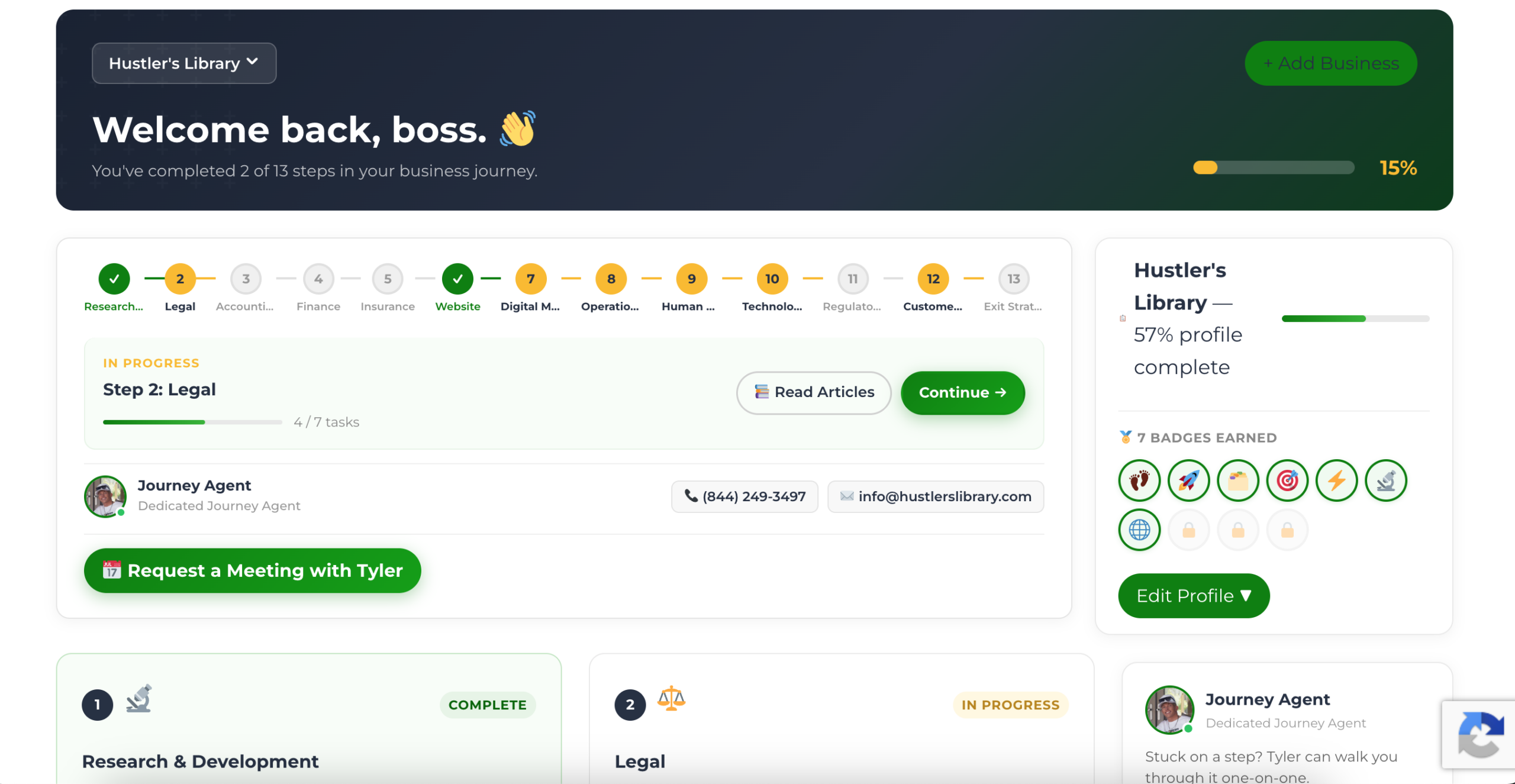
The Business Journey dashboard maps your exact position across all 13 stages. Track your progress, unlock resources for each step, and build with a framework used by thousands of founders at Hustler's Library.
No credit card required · Takes 3 minutes · Personalized to your stage