
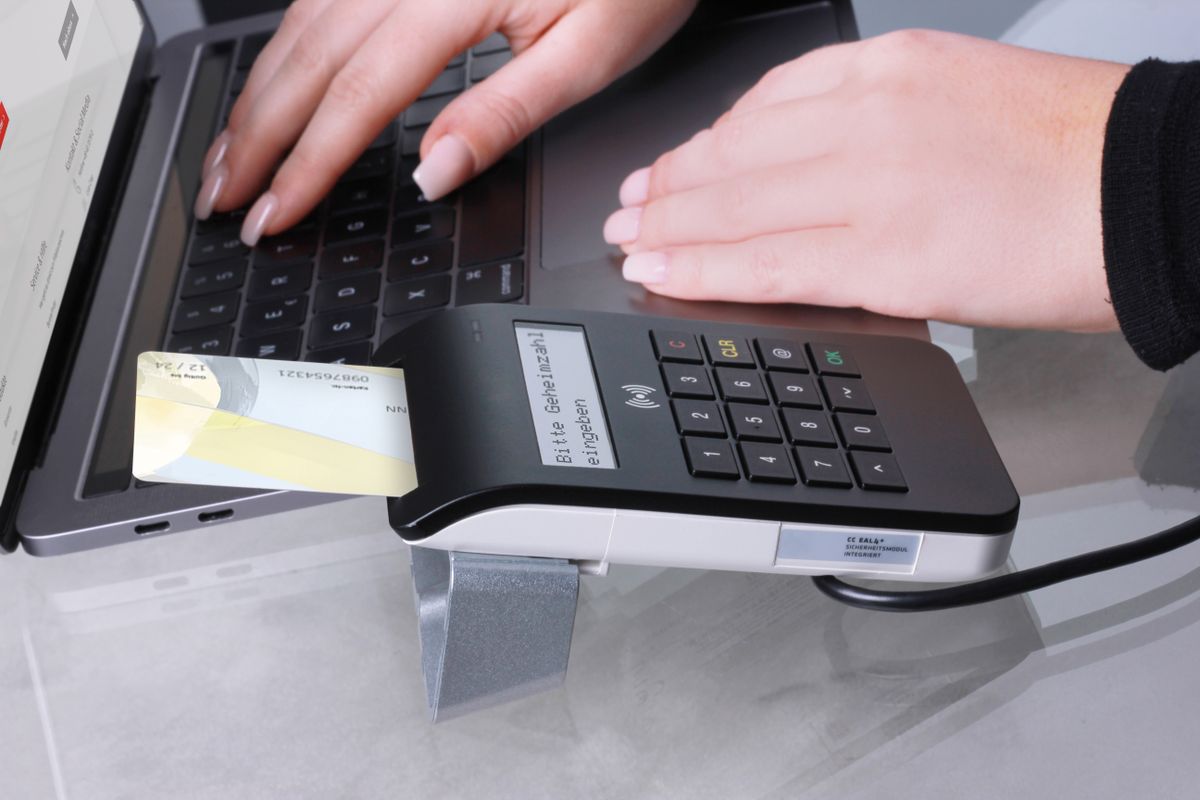
Accepting Solana payments at your small business is no longer a niche experiment. Between near-zero transaction fees and settlement times measured in seconds, more operators are taking a hard look at what adding a crypto payment option could do for their margins and customer experience. This guide covers everything you need to get started: wallets, website integrations, point-of-sale setups, accounting basics, and what to tell your customers.
What You Need Before You Accept a Single Payment
Before you install anything or generate a QR code, you need two things: a Solana wallet and a plan for how you will receive funds.
Choose your wallet. For business use, a non-custodial wallet like Phantom gives you full control over your funds. Phantom is the most widely used Solana wallet among both consumers and business operators, with a polished mobile and desktop interface and straightforward USDC support. If you prefer a more business-oriented setup with team access controls, Solflare is another solid option. Both are free and take about five minutes to set up. Download Phantom only from phantom.app directly to avoid counterfeit apps.
Decide on USDC or native SOL. Most small businesses should accept USDC, the USD-pegged stablecoin issued by Circle, rather than native SOL tokens. USDC holds its value at $1.00 and eliminates the volatility problem. Your customer pays $47.00 in USDC; you receive $47.00 in USDC. Simple. Native SOL can also be accepted, but the price moves, which complicates accounting and pricing. For the vast majority of business payment use cases, USDC is the right choice.
Fund your wallet with a small amount of SOL for fees. Even if you only accept USDC, you need a tiny amount of native SOL in the wallet to pay network transaction fees (typically less than $0.01). A one-time deposit of $5 in SOL will cover thousands of transactions. You can purchase SOL on any major exchange (Coinbase, Kraken, Gemini) and send it to your Phantom wallet address.
For a broader introduction to why Solana makes sense for small business operations, see the Solana for Small Business no-hype guide.
Website Integration Options
Solana Pay JS SDK
Solana Pay is an open-source payment protocol built directly on the Solana network. It supports both simple transfer requests (send X USDC to this address) and more complex transaction requests (trigger a smart contract). For most small business websites, the transfer request is all you need.
Integration involves generating a payment URL or QR code that encodes your wallet address, the token (USDC), the amount, and an optional reference ID for order tracking. The customer scans or clicks the link from their mobile wallet app and approves the transaction. Settlement happens in under a second. The Solana Pay SDK on GitHub has working examples for React and Next.js, and the documentation at solanapay.com covers the full specification including transfer request and transaction request types.
If you have a developer on your team or are comfortable with JavaScript, the setup time for a basic payment button is a few hours of development work. For most non-developers, the no-code options below are a better starting point.
No-Code Payment Buttons
Not every business owner wants to write JavaScript. There are simpler paths. Services like Helio let you create a payment page or embeddable button with no code required. You connect your wallet, set the amount and currency, and copy a link or embed code onto your site. The entire setup takes under 30 minutes. Helio charges a small percentage fee, so factor that into your pricing if you use their hosted solution.
For WooCommerce or Shopify stores, third-party plugins and apps exist that add Solana Pay as a checkout option alongside credit cards. Search the respective plugin marketplaces for “Solana Pay” to see current options. These plugins handle the QR code generation and payment verification automatically, making them the lowest-friction path for e-commerce businesses.
Point-of-Sale Options
QR Code Payments at the Register
The simplest POS setup is a printed or displayed QR code. Generate a Solana Pay QR code for a fixed amount (or a dynamic one tied to your POS system) and display it at checkout. The customer opens their Phantom wallet on their phone, scans the code, and confirms. You get a push notification and see the transaction in your wallet within seconds.
For variable-amount transactions, you or your staff can generate a fresh QR code for each sale using a basic web app or even a bookmarked payment link generator. Several free tools exist online for generating Solana Pay QR codes on the fly. A laminated card at the register with your static QR code works for fixed-price items like tickets, memberships, or standard service fees.
Mobile Wallet Setups
If you are running a service business, food truck, market stall, or any other mobile operation, your phone becomes your POS terminal. Keep your Phantom wallet open on a secondary device at the counter so customers can verify you received the payment in real time. There is no card reader required, no monthly terminal fee, and no connectivity dependency beyond basic cellular or wifi.
Some mobile operators keep a tablet at their booth or counter displaying a rotating QR code tied to the current transaction amount. A staff member confirms the incoming payment in the wallet, and the transaction is complete. The entire process takes about the same time as a card tap, with zero processing fees on your end.
Which Business Types Benefit Most
Solana payments make the most practical sense for: e-commerce businesses with international customers (who avoid FX conversion), service businesses that bill clients on invoices (freelancers, consultants, agencies), high-volume businesses where card fees add up fast (food and beverage, retail), and businesses with tech-savvy customer bases that already use crypto wallets. If your customers are primarily elderly, cash-preferred, or completely unfamiliar with crypto, the adoption barrier will be higher and the benefit lower. For a direct comparison of how Solana’s infrastructure stacks up against Ethereum for business use cases, see: Solana vs Ethereum for Business in 2027.
Handling Accounting for Crypto Receipts
Here is where most small business owners get confused. For tax purposes, the IRS treats USDC and other cryptocurrencies as property, not currency. Every payment you receive is technically a taxable event. For USDC specifically, because it is always worth $1.00, there is typically no gain or loss to report on receipt. The amount you received in USDC equals the fair market value in USD, so you just record it as revenue the same way you would a cash payment.
The bigger issue is tracking. You need a record of: the transaction hash, the date and time, the amount received in USDC, the USD equivalent at the time of receipt (always $1.00 for USDC), and the customer or invoice it relates to. Tools like Koinly or CoinTracker can connect to your wallet and auto-generate reports. You can also export your transaction history from Phantom and maintain a spreadsheet.
For authoritative guidance on how the IRS treats crypto business income, consult the IRS virtual currency guidance. For more on how crypto payments interact with contractor payment workflows and 1099 obligations, see the post on how to pay contractors in USDC on Solana. Also review the Solana Pay vs Stripe vs Square cost comparison to understand how fees stack up against your current processor.
What to Tell Your Customers
Most of your customers will have questions. Keep your communication simple. Tell them: you now accept USDC on Solana as a payment option. They need a Solana wallet app (Phantom is the most common) and USDC in that wallet. Payments settle instantly with no fees on their end. If they need help getting started, point them to the Phantom website for setup instructions.
You do not need to pitch the technology. Just explain the benefit: fast, no transaction fees for them, works from any phone. That is enough for most people to try it once. If a customer is unfamiliar with crypto wallets, the Phantom setup process takes about five minutes and is designed for non-technical users.
Getting Started This Week
The path to accepting your first Solana payment is straightforward. Download Phantom from phantom.app, create a wallet, fund it with a few dollars of SOL for fees, and set up a Helio payment page or Solana Pay QR code. Run a test transaction with a $1.00 payment to yourself. Once that works, you have proof of concept. From there, you can decide how deeply to integrate it into your checkout flow.
The overhead is low. The technology works. The question is whether your customers are ready. Start small and find out. Keep your existing payment processor running alongside Solana Pay so you never lose a sale over payment method friction.
Ready to build a business that uses every available tool to keep costs low and operations sharp? Join Hustlers Library free and get access to guides, frameworks, and a community of operators doing exactly that.
Disclaimer: This article is for informational purposes only and does not constitute financial, legal, or investment advice. Cryptocurrency and blockchain-based payment systems carry risk. Consult a qualified financial or legal professional before making any business decisions based on this content.
Ready to Know Where You Stand?
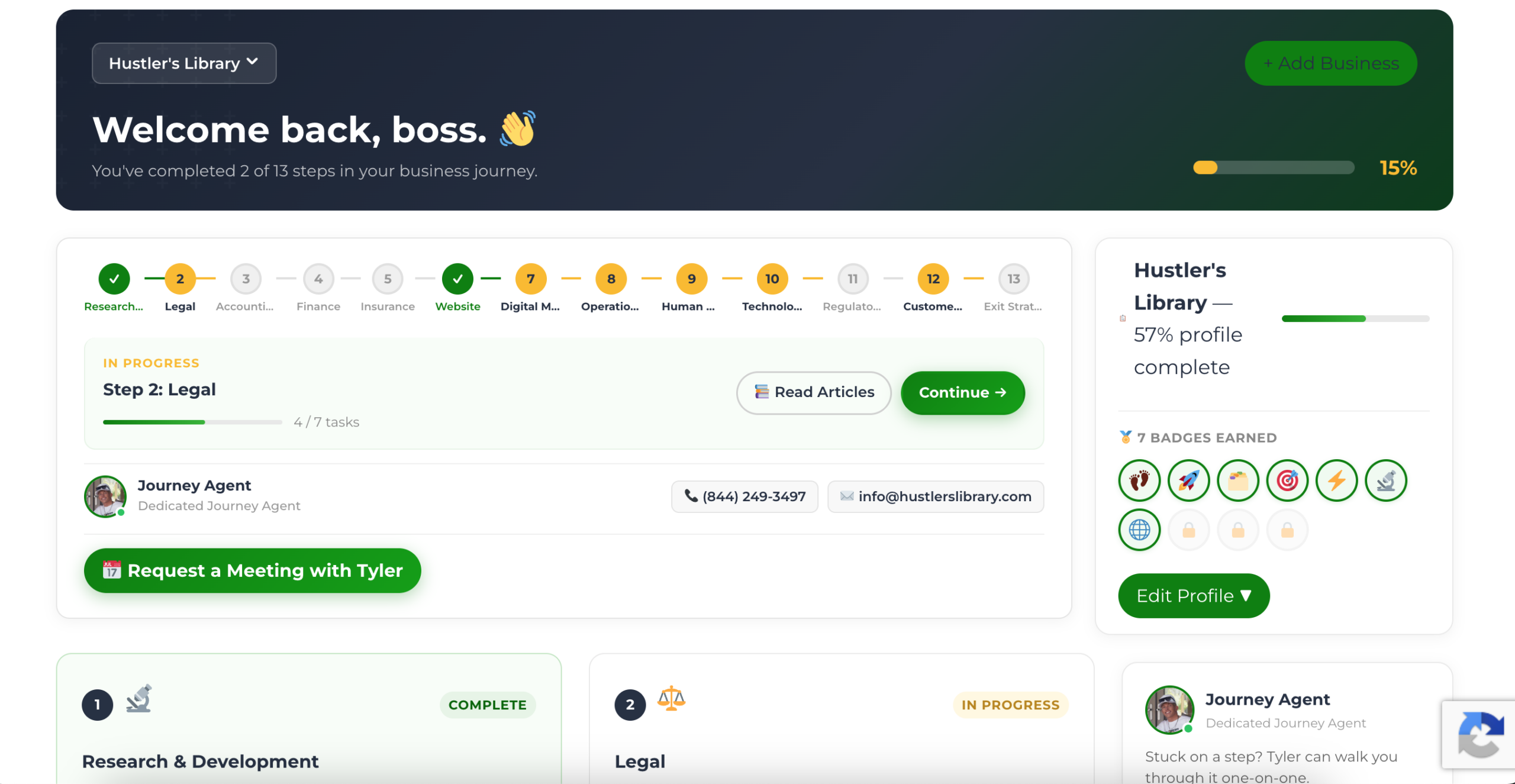
The Business Journey dashboard maps your exact position across all 13 stages. Track your progress, unlock resources for each step, and build with a framework used by thousands of founders at Hustler's Library.
No credit card required · Takes 3 minutes · Personalized to your stage