

Choosing a payment processor is one of the most consequential financial decisions a small business owner makes, and most people make it once and forget about it. Stripe or Square gets set up during launch week, and the fees quietly compound for years. Nobody runs the math again.
This post runs the math for you across three payment options: Stripe, Square, and Solana Pay. It covers fee structures, breakeven thresholds, setup complexity, and who each processor actually makes sense for. There is also an interactive calculator below where you can plug in your own numbers.
The Fee Structures, Side by Side
Before comparing, it helps to understand exactly what each processor charges and how those charges compound across transaction types and volume.
Stripe
Stripe’s standard rate is 2.9% + $0.30 per transaction for online card payments. In-person payments via Stripe Terminal drop to 2.7% + $0.05. Manually keyed transactions go to 3.4% + $0.30. International cards add a 1.5% surcharge. Currency conversion adds another 1%.
Stripe’s strength is developer flexibility and ecosystem depth: subscriptions, invoicing, Connect for platforms, and an API that integrates with nearly everything. You pay for that depth through fees.
Square
Square’s rate for in-person card-present transactions is 2.6% + $0.10. Online transactions cost 2.9% + $0.30, same as Stripe. Manually entered transactions are 3.5% + $0.15. Square’s hardware (card readers, terminals) is generally affordable or free at the entry level, which is why it dominates among retail and food service businesses.
Square’s strength is the integrated ecosystem: point of sale, inventory, appointments, payroll, and banking in one place. The fees are comparable to Stripe; the value proposition is operational simplicity rather than developer flexibility.
Solana Pay
Solana Pay operates on a completely different model. There is no percentage fee. There is no per-transaction flat fee charged to the merchant. The only cost is the Solana network transaction fee, which is approximately $0.00025 per transaction, paid by the sender (your customer). As a merchant, your processing cost is effectively zero.
Solana Pay is an open protocol, not a company. It does not charge for access, does not take a cut of revenue, and does not have a subscription tier. The tradeoff is that it requires customer-side wallet setup and offers fewer integrated business management features than Stripe or Square. For a full explanation of how the protocol works and who it fits best, see: What Is Solana Pay: How Small Businesses Can Accept Crypto Payments With Near-Zero Fees.
The Real Cost Math at Different Volume Levels
Percentage fees feel small in isolation. They are not small in aggregate. Here is what each processor actually costs at different monthly revenue levels, assuming a mix of online and in-person transactions at standard rates:
$5,000/month in processed volume:
Stripe: ~$175 in fees (2.9% + $0.30 per transaction, ~100 transactions)
Square: ~$140 in fees (2.6% + $0.10, in-person mix)
Solana Pay: ~$0.025 in network fees (100 transactions at $0.00025 each)
$20,000/month:
Stripe: ~$610 in fees
Square: ~$530 in fees
Solana Pay: ~$0.10 in network fees
$50,000/month:
Stripe: ~$1,480 in fees
Square: ~$1,310 in fees
Solana Pay: ~$0.25 in network fees
$100,000/month:
Stripe: ~$2,930 in fees
Square: ~$2,610 in fees
Solana Pay: ~$0.50 in network fees
The gap is not incremental. It is structural. At $100,000 in monthly volume, you are paying Stripe nearly $35,000 per year for payment infrastructure that Solana Pay replaces at a cost of approximately $6 per year in network fees.
The relevant question is not whether Solana Pay is cheaper. It clearly is. The relevant question is whether the customer friction, tax complexity, and fiat conversion overhead cost more than the fee savings. At low volume, probably yes. At high volume, almost certainly no.
Try the Numbers with Your Own Volume
Enter your monthly transaction volume and average transaction size below to see the fee comparison and breakeven threshold for your specific business:
2.9% + $0.30 per transaction
2.6% + $0.10 per transaction
~$0.00025 network fee (USDC)
Stripe rate: 2.9% + $0.30 per transaction (online). Square: 2.6% + $0.10 (in-person). Solana Pay: ~$0.00025 network fee for USDC transfers on Solana mainnet. Estimates only; actual rates may vary by plan, volume, and card type.
Breakeven Analysis: When Does Solana Pay Win?
The breakeven question has two components: the volume threshold and the setup time cost.
Volume threshold: Solana Pay wins on fees at any volume above zero. The real question is whether the monthly savings justify the one-time setup effort and the ongoing accounting overhead of tracking crypto transactions.
A reasonable estimate for setup time is two to four hours for a business owner who is not a developer: wallet creation, exchange account setup, KYC verification on the exchange, integration with your store or invoicing workflow, and a test transaction or two. At a $50 per hour opportunity cost, that is $100 to $200 in time.
At $5,000 in monthly volume, Solana Pay saves you roughly $140 to $175 per month versus traditional processors. Your setup cost pays back in less than two months. After that, it is pure savings.
At $1,000 in monthly volume, the savings are roughly $28 to $35 per month. Setup still pays back in five to seven months. That is still worth doing for most businesses, but the urgency is lower.
Accounting overhead: Every crypto transaction requires recordkeeping for tax purposes. USDC transactions are the simplest case: the gain is nearly always zero, but you still need to log the receipt date, amount, and conversion. Tools like Koinly and CoinTracker automate most of this and cost $50 to $200 per year depending on transaction volume. Factor that into your net savings calculation.
Setup Complexity Comparison
Stripe: Moderate
Stripe requires a business account, identity verification, and bank account linking. Setup takes one to two hours for a non-developer using the dashboard. More complex integrations (subscriptions, custom checkout flows, platform payments) require developer time. Time to first live transaction: same day for most businesses.
Square: Low
Square is the easiest of the three to set up for in-person businesses. Download the app, create an account, order a free card reader, and you are processing payments within 24 hours. The integrated POS, inventory, and scheduling features reduce the need for third-party tools. Best for: retail, food service, service businesses with appointment-based models.
Solana Pay: Moderate to High (Initial Setup)
The initial setup for Solana Pay is more involved than Stripe or Square because it requires concepts most business owners have not dealt with before: non-custodial wallets, private key management, stablecoin acquisition, exchange account setup, and a new fiat conversion workflow. Once set up, the ongoing operational complexity is low. The first-time setup friction is the real barrier.
For a full walkthrough of setup options, wallet choices, and integration approaches, see the dedicated guide: How to Accept Solana Payments at Your Small Business. That post covers wallet setup with Phantom, QR code generation, e-commerce integrations, and point-of-sale options.
Who Each Processor Is Best For
Stripe is best for: Online-first businesses, SaaS companies, subscription businesses, platforms that need to split payments between multiple parties, businesses with development resources to customize the checkout experience. Stripe’s API is the most powerful of the three, and the fee premium reflects that.
Square is best for: In-person retail and food service businesses that want an integrated ecosystem without developer involvement. Square’s hardware, POS software, inventory management, and payroll tools reduce the need to stitch together multiple vendors. The fee structure is nearly identical to Stripe for online transactions, but in-person rates are marginally lower.
Solana Pay is best for: High-volume merchants where percentage fees are a material cost. Businesses with international customers or suppliers where stablecoin payments eliminate wire fees and currency conversion overhead. E-commerce businesses with a tech-forward customer base already comfortable with crypto wallets. Businesses that also use USDC for outbound contractor payments, where the inbound and outbound flows offset each other without constant fiat conversion.
The decision does not have to be either/or. Many businesses run Stripe or Square as their primary payment rail and add Solana Pay as a secondary option for customers who prefer it. Over time, the split shifts as crypto wallet adoption grows.
Tax and Accounting: What Changes with Solana Pay
The IRS treats digital assets as property. This creates a recordkeeping requirement that does not exist with Stripe or Square, where every transaction settles in dollars and integrates directly with accounting software like QuickBooks or Wave.
With Solana Pay and USDC, each transaction technically creates a taxable event. For USDC received and held at the same dollar value, the gain is zero. But you still need records: date received, amount, fair market value at receipt, date converted to fiat, and value at conversion. Automated tools handle most of this, but it adds a layer that traditional processors do not require.
The IRS virtual currency guidance provides the authoritative framework for business digital asset tax treatment. Before scaling Solana Pay beyond a test phase, work with a CPA who has handled crypto business accounts. The tax treatment is manageable; it just requires the right systems in place from the start.
Also see the broader Solana infrastructure overview for the operator context: Solana for Small Business: The No-Hype Guide for Entrepreneurs.
The Verdict
On pure fee economics, Solana Pay is not close to Stripe or Square. It wins by a factor of several thousand. The question is never about fees. The question is always about adoption friction: can your customers use it, and can your accounting handle it?
For businesses under $5,000 per month in volume, the setup overhead may not be worth the savings yet. For businesses over $20,000 per month, the math is nearly impossible to ignore. At $50,000 per month, you are leaving $15,000 to $18,000 per year on the table if you process 100% through traditional processors and could shift a meaningful portion to Solana Pay.
The practical path: keep Stripe or Square running, add Solana Pay as a secondary option, track adoption over 90 days, and let the actual numbers from your own business tell you whether to expand or leave it as a small-volume supplement.
Want frameworks like this delivered regularly, built specifically for operators running real businesses? Join the Hustlers Library community free: hustlerslibrary.com/join-free.
Disclaimer: This article is for informational purposes only and does not constitute financial, legal, or investment advice. Cryptocurrency and blockchain-based payment systems carry risk. Consult a qualified financial or legal professional before making any business decisions based on this content.
Ready to Know Where You Stand?
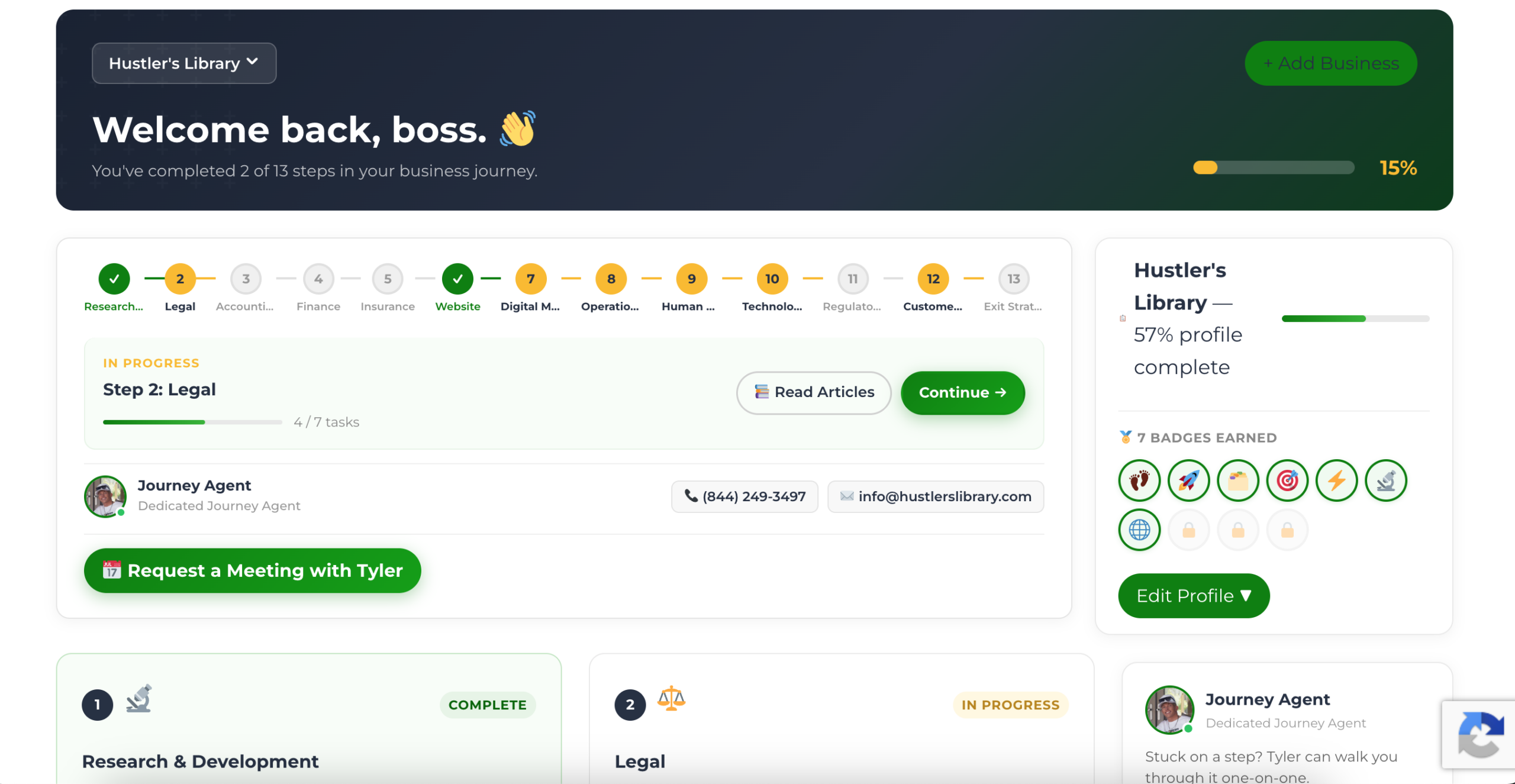
The Business Journey dashboard maps your exact position across all 13 stages. Track your progress, unlock resources for each step, and build with a framework used by thousands of founders at Hustler's Library.
No credit card required · Takes 3 minutes · Personalized to your stage