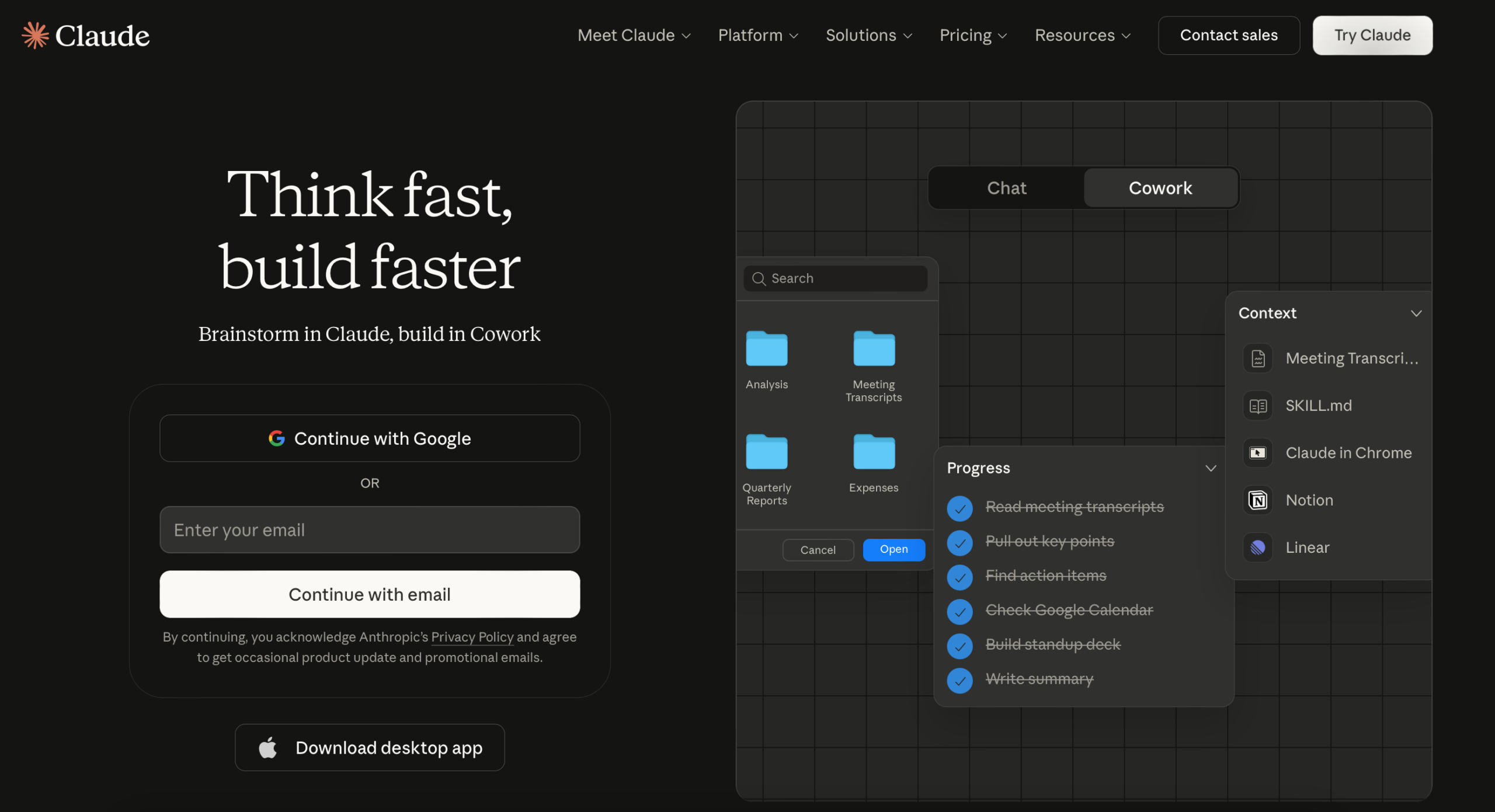
Claude is the AI assistant built by Anthropic, and it’s the one that serious business owners tend to gravitate toward once they move past the basics. Where other tools prioritize breadth, Claude is built for depth: long documents, nuanced writing, and following complex, multi-step instructions with precision. If your business deals in communication, proposals, contracts, research, or any kind of content that requires careful thinking, Claude deserves a hard look.
What Is Claude and Why Should Business Owners Care?
Claude is a large language model developed by Anthropic, an AI safety company founded by former OpenAI researchers. Anthropic built Claude with a specific philosophy: make AI that is not only capable, but reliable and safe to deploy in real business contexts. That means less hallucination (making things up), better judgment about when to say “I don’t know,” and a stronger ability to handle nuanced or sensitive tasks without going off the rails.
For business owners, that reliability matters. You don’t have time to babysit an AI. You need one that actually follows your instructions, handles complex documents without losing the thread, and produces output that doesn’t embarrass you when you send it to a client.
Claude’s real edge is context. It can handle very long documents in a single session, making it ideal for business owners who need to analyze contracts, review reports, or work with large bodies of content. Explore more about how technology is reshaping entrepreneurship at Hustler’s Library’s Technology & Entrepreneurship section.
What Claude Can Do for Your Business
Document Analysis and Summarization
Upload a contract, a research report, a lengthy proposal, or a pile of customer feedback, and ask Claude to summarize, extract key points, flag risks, or answer specific questions about the content. Its ability to hold large amounts of text in context without losing accuracy is where it genuinely outperforms the competition.
Long-Form Writing and Editing
Claude writes with more natural flow than most AI tools, and it follows stylistic instructions closely. Tell it to write in a specific voice, avoid certain phrases, match your brand tone, or follow a detailed content brief and it will. This makes it highly effective for business proposals, white papers, long-form blog content, and client-facing documents.
Complex Instructions and Multi-Step Tasks
Where some AI tools struggle when you give them a long list of instructions, Claude excels. You can give it a detailed brief with multiple conditions, formatting requirements, and tone guidelines, and it will track all of them. This is critical for business owners who need consistent, branded output at scale.
Customer Communication Drafting
Difficult customer situations, sensitive emails, formal business correspondence, negotiation language. Claude handles the nuance in these scenarios well. It knows the difference between assertive and aggressive, between empathetic and doormat, and it applies that judgment in the output.
Research and Strategic Thinking
Use Claude to stress-test a business idea, outline a competitive analysis, draft a SWOT breakdown, or think through a strategic decision. It’s a capable thinking partner for business planning work.
Contract and Legal Document Review
Before you pay a lawyer to read through a contract line by line, run it through Claude. It can flag unusual clauses, summarize key terms and obligations, highlight risks, and give you a plain-English breakdown of what you’re agreeing to. It doesn’t replace legal counsel for high-stakes deals, but it means you walk into those conversations informed, and you’ll ask better questions. That alone saves billable hours.
Example prompt: “Review the following vendor contract and do three things: summarize the key obligations of each party in plain English, flag any clauses that seem unusually risky or one-sided, and list any missing protections that are standard in service agreements (like limitation of liability or termination for convenience). Format your response in three clearly labeled sections.”
Brand Voice and Style Guide Creation
Inconsistent brand voice is one of the most common problems growing businesses face. Claude can analyze samples of your existing content and build a proper style guide from them: tone descriptors, vocabulary to use and avoid, sentence structure preferences, and examples of on-brand versus off-brand writing. Once built, this guide becomes a prompt you paste into every future content request to keep output consistent across your team and across tools.
Example prompt: “Here are three samples of our best-performing content: [paste samples]. Analyze the tone, vocabulary, sentence structure, and personality of these pieces. Then write a brand voice guide that includes: a three-word tone description, a list of five words we use frequently and five we avoid, guidance on sentence length and structure, and two example rewrites showing off-brand versus on-brand for the same paragraph. This guide will be used by our content team and AI tools.”
Investor and Pitch Deck Writing
Claude is well-suited for the high-stakes writing that goes into fundraising. It can help you draft the narrative sections of a pitch deck, sharpen your executive summary, stress-test your investment thesis, and write the kind of precise, confident language investors expect. The key is giving it the full context of your business and letting it push back on weak reasoning before a real investor does.
Example prompt: “I am building a pitch deck for seed investors in a B2B SaaS company that helps restaurant groups manage their supply chain. Here is our current one-paragraph business description: [paste description]. Rewrite it as a compelling investor-facing problem and solution narrative. The problem statement should make the pain feel urgent and large. The solution section should be specific and credible. Tone: confident, concise, no jargon. Length: under 200 words total.”
Employee Performance Reviews
Writing performance reviews is one of those tasks that takes far longer than it should and often produces vague, unhelpful feedback. Claude can turn your raw notes and observations into structured, professional reviews that are specific, fair, and actionable. Give it the employee’s role, your key observations, and the areas you want to address, and it will produce a review that actually communicates clearly.
Example prompt: “Write a mid-year performance review for an account manager at a marketing agency. Key observations: consistently meets deadlines, strong client communication, struggles with prioritization when managing five or more accounts simultaneously, recently took initiative on a client retention project that reduced churn by 12 percent. Include sections for strengths, areas for development, and a 90-day goal. Tone: direct and constructive, not corporate filler. Length: 300 to 400 words.”
How to Get Started with Claude
Step 1: Go to claude.ai and sign up for a free account. The process takes two minutes.
Step 2: Start a conversation. Claude’s interface is clean and straightforward. Type your request or paste in a document and ask a question about it.
Step 3: Give it a detailed brief. Claude rewards specificity. The more context you provide about who you are, what you need, and what good looks like, the better the output. Try: “I’m the owner of a construction company writing a proposal to a commercial client. Write a one-page executive summary that emphasizes our safety record, on-time delivery, and our team’s 15 years of experience. Tone: professional, confident, no jargon.”
Step 4: Use it for document work. Paste in a PDF text, a contract, or a report, and ask Claude targeted questions. This is where it shines above most alternatives.
Step 5: Iterate and refine. Ask Claude to adjust the output, change the tone, shorten a section, or add a specific angle. It handles revision requests well.
Free vs Paid: Which Plan Do You Need?
The free tier gives you access to Claude with usage limits. It’s enough to test the tool and handle occasional tasks, but you’ll hit the daily cap fairly quickly if you’re using it for real work.
Claude Pro at $20/month unlocks access to Claude 3.5 Sonnet and Opus, the most capable models in Anthropic’s lineup. You get priority access, significantly higher usage limits, and the ability to work with larger documents. For business owners who plan to use this daily, Pro is the right call and the cost is minimal compared to the output it generates.
If you’re evaluating where to spend your $20 on AI, Claude Pro is the strongest choice for anyone doing heavy writing, document analysis, or complex instruction-based tasks. ChatGPT Plus is stronger if you need multimodal features like image generation. Pick the one that matches your actual workflow.
Claude vs the Competition: Where It Stands Out
Claude’s clearest advantage is in quality of reasoning and instruction-following for complex tasks. When you hand it a long document and ask nuanced questions, or when you give it a multi-part brief with specific requirements, it consistently outperforms other tools at staying on track and producing output that actually matches what you asked for. Business owners who have bounced between AI tools often settle on Claude for anything that requires precision.
Where it’s less dominant: ChatGPT still leads on breadth of features (especially multimodal and plugin capabilities), and Gemini is the better choice if you’re deeply integrated into Google Workspace. Claude is not trying to be all things; it’s trying to be the most reliable thinking and writing tool in the market, and it largely delivers on that.
Common Mistakes Beginners Make
- Not giving enough context. Claude is exceptionally good at following detailed instructions. Beginners who use it like a search engine (short, vague queries) get mediocre results. Give it background, audience, goal, and tone every time.
- Underusing the document feature. Most new users chat with Claude. The real power is in uploading documents and asking it to work through them. Contract review, proposal analysis, summarizing research: these use cases are where the ROI is highest.
- Not verifying facts. Claude is more cautious than some AI tools about stating uncertain information, but it can still make errors. Always verify facts and statistics before using them in business documents.
- Expecting it to be ChatGPT. They’re different tools with different strengths. If you come in expecting Claude to behave identically to ChatGPT, you’ll miss what makes it valuable. Approach it on its own terms.
- Stopping at the first draft. Like all AI tools, Claude’s first pass is a foundation. Edit for your voice, check facts, and add specifics before anything goes out the door.
Advanced Tips for Business Owners
- Create a reusable business context block. Write a 150-word description of your business, your customers, your tone, and your goals. Paste it at the top of every new Claude conversation before your actual request. This single habit dramatically improves output quality without requiring longer prompts every time.
- Use Claude Projects to build persistent context. Claude’s Projects feature lets you store documents, instructions, and context that carry over across conversations. Build a project for your business with your brand voice guide, product details, and key SOPs. Every conversation inside that project starts informed.
- Have Claude red-team your proposals before you send them. After drafting a proposal or pitch, prompt Claude: “You are a skeptical client who has seen hundreds of proposals. Read this and tell me the three reasons you would not move forward with us, and what language would need to change to address those objections.” This forces honest critique before a real client sees it.
- Use it to build interview frameworks before you hire. Before any important hire, give Claude the job description and ask it to build a structured interview guide with behavioral questions, follow-up probes, and a scoring rubric. Hiring with a consistent framework reduces bias and improves decision quality significantly.
- Ask for multiple versions, not just one. When you need the right tone for a critical message, ask Claude to write three versions: one more assertive, one more diplomatic, one somewhere in between. Seeing the range helps you pick the right approach rather than defaulting to whatever the first output happened to be.
Final Thoughts
Claude is the AI tool for business owners who want reliability over flash. It’s not the most feature-packed option on the market, but for writing, reasoning, and working with complex documents, it’s hard to beat. At $20/month for Pro, it delivers clear value for anyone who takes their written output seriously.
Start at claude.ai and give it a real task from your current workload on day one. Test it against something you actually need done. That’s the fastest way to understand what it can do for your specific business. For more resources on building a stronger business foundation, check out the Hustler’s Library homepage for tools, guides, and entrepreneur profiles that actually move the needle.
Need Help Implementing AI in Your Business?
Knowing the tools is one thing. Building a system that actually saves you time, cuts costs, and scales with your business is another.
Hustler’s Library works with business owners to identify where AI creates the most leverage in their specific operations, build the workflows, and train their teams to use them consistently. Whether you’re just getting started or looking to go deeper, we’re here to help you move faster.
Book a free AI consultation with Hustler’s Library today. Tell us where you’re stuck, and we’ll show you exactly where AI fits.