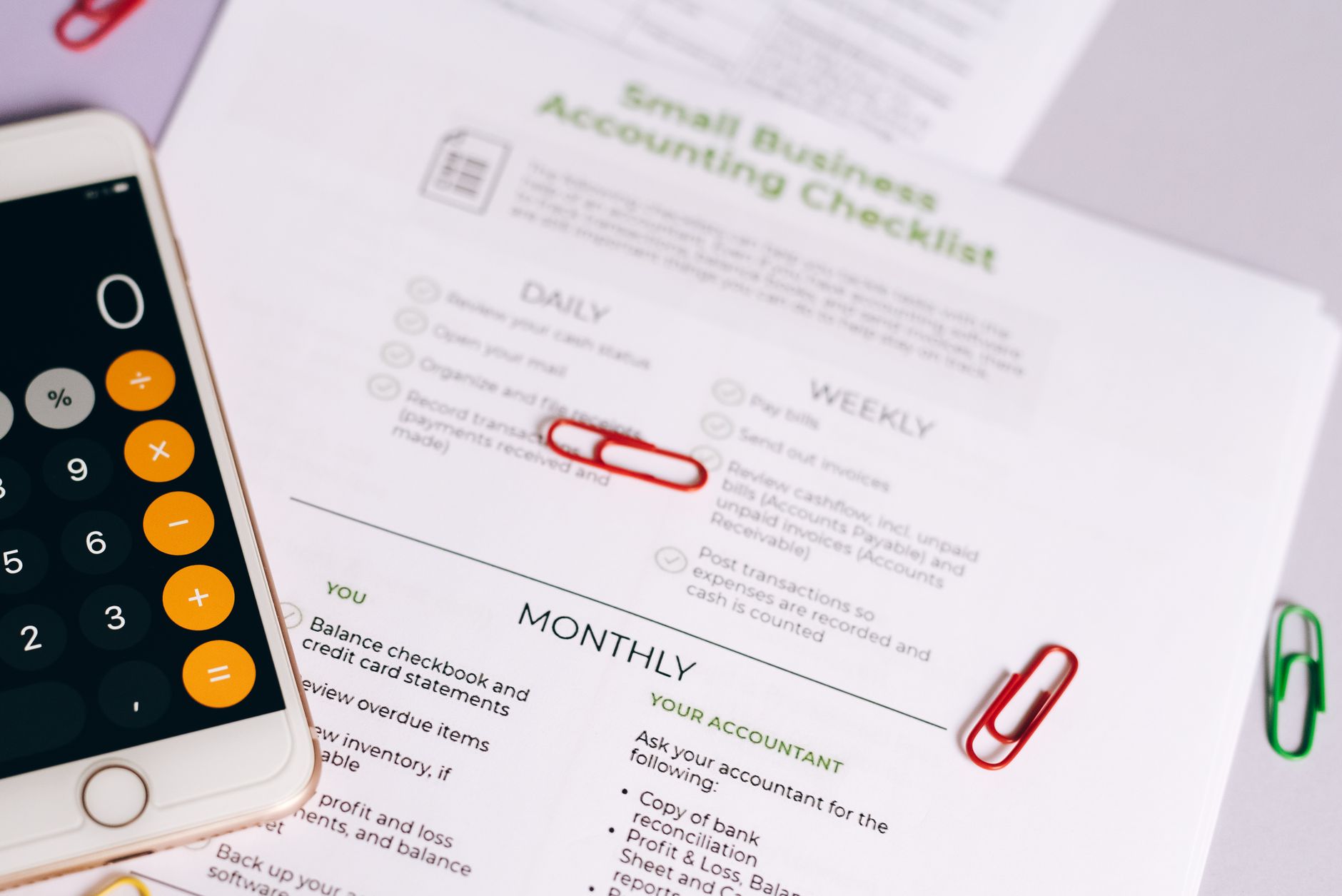
Every small business owner reaches the same moment: spreadsheets stop working, tax season becomes a nightmare, and you realize you actually need real accounting software. But which one do you choose?
QuickBooks, FreshBooks, and Wave are three of the most popular accounting tools for small businesses, and they could not be more different from each other. QuickBooks is the industry standard. FreshBooks is built for service providers and freelancers. Wave is completely free. All three can handle your books, but the right one depends entirely on how you run your business.
This guide breaks down each platform honestly, so you can stop guessing and start using the right tool.
QuickBooks: The Industry Standard (With a Price Tag to Match)
QuickBooks Online is the accounting software most CPAs know, most bookkeepers use, and most lenders expect to see. It has the deepest feature set of any small business accounting tool on the market, and it connects to more third-party apps than either of the alternatives here.
What QuickBooks Does Best
- Inventory tracking: If you sell physical products, QuickBooks handles it. FreshBooks and Wave barely touch inventory management.
- Payroll integration: QuickBooks Payroll is a paid add-on, but it is seamlessly connected to your books. Run payroll, and your accounts update automatically.
- Advanced reporting: Profit and loss, balance sheet, cash flow statement, job costing, sales by product, accounts receivable aging. If you need a financial report, QuickBooks probably has it.
- Accountant access: Most bookkeepers and CPAs are already trained on QuickBooks. Handing your books to a professional is straightforward.
- Multi-user support: The higher-tier plans allow multiple team members to log in with their own permissions.
Where QuickBooks Falls Short
The biggest complaint about QuickBooks is cost. As of 2026, plans start around $35 per month for Simple Start and climb to $235 per month for Advanced. Add payroll and you are spending serious money before you have even hired your first employee.
The interface is also notoriously dense. If you are not comfortable with accounting basics, QuickBooks can feel overwhelming. There is a learning curve, and it shows.
Best for: Product-based businesses, companies with employees, anyone who works with a bookkeeper or CPA, businesses with complex reporting needs.
FreshBooks: Built for People Who Bill by the Hour
FreshBooks was designed from the ground up for service businesses. Consultants, contractors, designers, coaches, agencies, and anyone who invoices clients for time will feel at home here in a way they never will with QuickBooks.
What FreshBooks Does Best
- Invoicing: FreshBooks has the cleanest, most professional invoicing experience of the three. You can create a branded invoice, set up automatic payment reminders, and accept online payments in minutes.
- Time tracking: Built-in time tracking lets you log hours per project and convert them directly to an invoice. There is no workaround needed.
- Client management: FreshBooks keeps a full history of all invoices, payments, and communication for each client in one place.
- Project collaboration: You can invite clients to view project updates, share files, and approve proposals from within FreshBooks.
- Mobile experience: The FreshBooks app is genuinely good. Expense tracking on the go, invoice creation from your phone, and real-time notifications when a client pays.
Where FreshBooks Falls Short
FreshBooks is not built for product-based businesses. Inventory management is essentially non-existent. If you need to track stock levels or cost of goods sold, you will hit a wall quickly.
Reporting is also thinner than QuickBooks. You get the essentials, profit and loss, expense summaries, tax summaries, but the depth just is not there if you want to dig into your numbers the way a growing business eventually needs to.
Pricing ranges from about $19 to $55 per month depending on the plan. Note that the cheaper plans limit how many clients you can actively bill, which can be frustrating if your client list grows.
Best for: Freelancers, consultants, agencies, contractors, and any service-based business that lives and dies by its invoices.
Wave: The Free Option That Is Surprisingly Good
Wave is legitimately free for its core accounting features. No trial period, no credit card required. For a bootstrapped business watching every dollar, that is a serious advantage.
What Wave Does Best
- Price: Core accounting, invoicing, expense tracking, and financial reports are completely free. Wave makes money on payment processing fees and optional payroll.
- Clean interface: Wave is the most beginner-friendly of the three. The dashboard is simple, the navigation is intuitive, and you do not need an accounting background to figure it out.
- Unlimited invoices and clients: Unlike FreshBooks, Wave does not cap how many clients or invoices you can manage.
- Bank connections: Link your bank accounts and credit cards, and Wave pulls in transactions automatically.
- Double-entry accounting: Wave uses real double-entry bookkeeping under the hood, which means your reports are accurate and your CPA can work with your books at tax time.
Where Wave Falls Short
Wave is best for simple businesses. The moment you add complexity, such as inventory, multiple locations, payroll across several states, or advanced job costing, Wave struggles to keep up. The reporting is functional but limited compared to QuickBooks.
Customer support has historically been a weak point. The free plan relies on self-service resources, and response times on paid support can be slow. If you run into an urgent problem at tax time, that matters.
Integrations are also limited. Wave connects to fewer third-party apps than QuickBooks or FreshBooks, which can be a bottleneck if your business depends on a specific tool.
Best for: Solopreneurs, brand-new businesses, side hustles, and any owner who needs functional accounting at zero cost while keeping overhead low.
Side-by-Side: How the Three Compare
Here is a plain-English breakdown of the key differences:
- Cost: Wave (free core) beats both. FreshBooks starts lower than QuickBooks but caps clients on cheaper plans. QuickBooks is the most expensive at full capability.
- Ease of use: Wave is the simplest. FreshBooks is close behind. QuickBooks has the steepest learning curve.
- Invoicing: FreshBooks wins, particularly for service businesses. Wave is solid. QuickBooks gets the job done but is not its strength.
- Inventory management: QuickBooks wins clearly. FreshBooks and Wave are not built for it.
- Reporting depth: QuickBooks wins. Wave is adequate. FreshBooks is in between.
- Payroll: QuickBooks (add-on), FreshBooks (add-on via Gusto), Wave (paid add-on). QuickBooks payroll integrates most seamlessly.
- Accountant access: QuickBooks is what most accountants use. The other two are compatible but less familiar to most bookkeepers.
Which One Should You Actually Choose?
Stop trying to find the “best” one in the abstract. The right choice depends on your situation right now.
Choose Wave if: You are just starting out, you are bootstrapping, or you run a simple single-person business. It is functional, free, and gets you further than spreadsheets without any upfront cost. You can always migrate later.
Choose FreshBooks if: You are a freelancer, consultant, agency owner, or any service provider who spends a significant portion of your week creating invoices and tracking hours. The client management and time tracking features alone are worth the subscription.
Choose QuickBooks if: You sell physical products, you have employees, you work with a bookkeeper or CPA, or your business is growing and you need more financial visibility. The cost is real but so is the depth. According to the IRS Small Business Tax Center, keeping accurate records is a legal requirement, and QuickBooks makes it easier to stay compliant as complexity grows.
One note: many business owners start on Wave or FreshBooks and move to QuickBooks when they scale. That is a completely valid path. You do not have to pick the most powerful tool on day one. You just have to pick the one that is right for where you are today.
A Few Things Worth Knowing Before You Decide
Switching accounting software mid-year is a headache. If you can, choose a platform at the start of a new fiscal year or at least at the beginning of a new quarter. The migration process is manageable, but it takes time to re-enter historical data or import it cleanly.
All three platforms offer free trials (or in Wave’s case, the free version itself is the trial). Spend a week in the dashboard before you commit. The right tool should feel natural to use, because if it does not, you will not use it consistently, and inconsistent bookkeeping is worse than no bookkeeping.
If your books are already messy, consider hiring a bookkeeper for a one-time cleanup before you import anything into a new platform. Starting with clean data will save you hours of confusion down the road. You can find qualified bookkeepers quickly through Fiverr, where many accounting and bookkeeping freelancers offer flat-rate setup packages.
Also consider what you are tracking alongside your books. If you want to connect your accounting software to project management or your sales pipeline, check integrations before you commit. QuickBooks connects to almost everything. FreshBooks connects to the most common tools. Wave is more limited.
The Bottom Line
QuickBooks is the most powerful. FreshBooks is the most elegant for service businesses. Wave is the best value when budget is the primary constraint.
None of them are perfect. All three will handle the fundamentals: income, expenses, invoices, and tax reporting. The differences show up in the details, and those details matter more as your business gets more complex.
If you are unsure, start with Wave for 30 days. It costs nothing, and you will quickly figure out whether you need more firepower or whether simple is all you need. Knowing what you do not need is just as valuable as knowing what you do. Check out our guide on the 7 numbers every small business owner should track every week to know exactly what your accounting software needs to report on.
Whatever you choose, the goal is the same: accurate books, clean records, and financial clarity so you can make good decisions instead of guessing. For more tools and resources to run your business smarter, join Hustler’s Library for free and get access to our full library of guides built for business owners who are serious about growth.
Ready to Know Where You Stand?
The Business Journey dashboard maps your exact position across all 13 stages. Track your progress, unlock resources for each step, and build with a framework used by thousands of founders at Hustler's Library.

No credit card required · Takes 3 minutes · Personalized to your stage