

UX and UI design is one of the most in-demand freelance skills in 2026. Every app, website, and digital product needs thoughtful design, and most companies cannot afford a full-time designer early on. That gap is exactly where freelancers step in and get paid well to fill it.
This guide covers how to build a freelance UX/UI business from scratch: what skills you actually need, what tools to learn, how to build a portfolio without prior client work, what to charge, and where to find your first clients. No hype, just the real path.
UX vs UI: Know the Difference Before You Position Yourself
These terms get lumped together constantly, but they describe different work:
- UX (User Experience) design focuses on how a product works: research, user flows, wireframes, usability testing, information architecture. It is about solving problems and reducing friction.
- UI (User Interface) design focuses on how a product looks: visual design, typography, color systems, component libraries, interactive states. It is about polish and visual consistency.
Most freelancers position as “UX/UI” and do both, which is practical for smaller clients who cannot afford specialists. As you grow, you can niche into pure UX research or high-end UI work at higher rates.
What You Need to Learn (And What You Can Skip)
You do not need a design degree. You need proof that you can solve real design problems. Here is what actually matters:
Core Tools
Figma is the industry standard for UX/UI design. Free tier works fine while learning. Learn it deeply: components, auto layout, prototyping, and design systems. If you know Figma well, you know what 90% of employers and clients want.
Secondary tools worth knowing: FigJam for workshop facilitation, Hotjar or UserTesting.com for usability research basics.
Core Skills
- Wireframing and low-fidelity mockups
- High-fidelity visual design in Figma
- Prototyping and interactive flows
- User research basics: surveys, interviews, usability tests
- Design systems and component libraries
- Handoff to developers (using Figma’s inspect and dev mode tools)
What You Can Skip Early On
Motion design, advanced accessibility audits, and full UX research methods can come later. Land clients first. Specialize as you grow. Clients paying $3,000 for a redesign do not expect a senior researcher, they expect someone who can solve their immediate problem clearly.
Startup Costs
This is one of the most affordable freelance businesses to start:
- Figma: Free (Starter plan covers most solo freelance work)
- Portfolio website: $13 to $25/month on Squarespace or Framer (popular with designers)
- Courses to learn the craft: $20 to $200 one-time on Udemy or free on YouTube
- Business formation (LLC): $50 to $200 depending on state
Total to get started: $100 to $500. You do not need expensive gear or software. A decent laptop and Figma is your entire toolset.
How to Build a Portfolio With No Clients
Every new UX/UI designer faces the same chicken-and-egg problem: you need a portfolio to get clients, but you need clients to build a portfolio. Here is how to break the cycle:
Redesign Existing Products
Pick a real app or website with clear UX problems (a local restaurant site, a government services portal, a clunky SaaS signup flow) and redesign it. Document your process: what problems you identified, what you changed, and why. These case studies demonstrate thinking, not just visual skill.
Build Concept Projects
Design a fictional product from scratch. An app for tracking freelance invoices, a better onboarding flow for a productivity tool, a restaurant booking interface. Present it as a full case study with problem statement, research notes, wireframes, and final design.
Work for Nonprofits and Startups
Catchafire matches skilled volunteers with nonprofits that need design help. You get a real project, a real client relationship, and something you can show. Early-stage startups on Y Combinator’s list or Product Hunt often need design help and will work with less experienced designers for equity or low rates.
What Makes a Strong UX/UI Portfolio
Three to five detailed case studies beat 20 screenshots. Show your process: research, wireframes, iterations, and the final product. Explain the decisions you made. Clients are hiring your thinking, not just your visual output.
For advice on structuring your overall freelance business and attracting clients, the fundamentals in our guide on how to become a freelance graphic designer apply directly to UX/UI work as well.
How to Price Your UX/UI Freelance Work
Rates vary significantly based on experience, deliverables, and whether you are doing pure visual work or full-scope UX research and design. Here are realistic ranges for 2026:
Hourly Rates
- Beginner (0 to 1 years, 1 to 2 portfolio pieces): $35 to $60/hour
- Mid-level (2 to 4 years, solid portfolio): $75 to $120/hour
- Senior / specialist (4+ years, proven track record): $125 to $200+/hour
Project Pricing (More Common for Clients)
- Landing page redesign: $1,500 to $4,000
- Mobile app UX/UI (3 to 5 screens): $3,000 to $8,000
- Full product redesign (10+ screens): $8,000 to $25,000+
- Design system creation: $5,000 to $15,000
- UX audit: $1,500 to $5,000 (analyze existing product, deliver written report with recommendations)
UX audits are underrated entry points. Clients get a deliverable without committing to a full redesign, and you get paid to analyze their product and propose more work.
Where to Find UX/UI Freelance Clients
Platforms
Upwork: The largest platform for UX/UI freelancers. Competitive, but high volume. Worth building a profile and doing a few lower-rate jobs to get reviews, then raising rates. Upwork’s filtering means clients actively searching will find you.
Toptal: Selective screening, but higher rates once accepted. Worth applying after you have 12 to 18 months of solid work.
Dribbble: Design-specific job board. Post your work regularly and clients reach out. Also has a paid job board for freelance contracts.
Fiverr: Works well for defined deliverables like wireframe packages, Figma mockups, and UX audits. Set clear scope to avoid scope creep. (Affiliate link)
Direct Outreach
LinkedIn is where most serious UX/UI work is found. Connect with startup founders, product managers, and CTOs at early-stage companies. Comment on their posts with genuine insight. When you reach out directly, offer a specific observation about their product rather than a generic pitch.
For example: “I noticed your onboarding flow drops users at step 3 because [specific friction point]. I fixed a similar issue for [type of company] and saw a 40% improvement in completion rate. Would you be open to a quick call?”
Specificity converts. Generic outreach gets ignored.
Agencies as a Client Source
Digital agencies, web development shops, and marketing agencies frequently need design help on client projects but do not want to hire full-time designers. Reach out to local and remote agencies and position yourself as an overflow design resource. One agency relationship can mean steady monthly work.
The same outreach strategy that works for other freelance services applies here. See how other service-based freelancers approach the first-client problem in our guide on landing your first freelance client in 30 days.
How to Retain Clients and Grow
Most freelance UX/UI work is project-based, but the real money comes from retainers and repeat work. After completing a project, propose ongoing design support: a set number of hours per month to handle iteration, new features, and design requests. Even 10 hours per month at $100/hour is $1,000 in predictable monthly income per client.
Keep your Figma files clean and documented. Clients who return for new work (or who hand your files to a developer or another designer) will remember you for it.
Certifications: Worth It or Not?
Clients hire based on portfolio, not certifications. That said, Google’s UX Design Certificate on Coursera ($49/month, completable in 3 to 6 months) is a solid structured introduction if you are building from zero. It includes portfolio projects you can use.
More advanced freelancers can look at Nielsen Norman Group’s UX certification, which carries weight with larger enterprise clients. It is expensive but recognized.
Realistic Income Timeline
- Month 1 to 2: Learning, building portfolio, zero income.
- Month 3 to 4: First 1 to 2 small projects ($500 to $2,000 total).
- Month 6 to 12: Consistent project flow, $2,000 to $5,000/month part-time.
- Year 2+: Retainer clients, higher rates, $60,000 to $100,000+ annually if full-time.
UX/UI has one of the steeper skill ramps among freelance disciplines, but it also has one of the higher income ceilings. The combination of problem-solving skills and visual execution is hard to find, and companies pay a premium for it.
Recommended Reading
Two books that shaped how most working UX designers think: Don’t Make Me Think by Steve Krug is the clearest introduction to web usability ever written. The Design of Everyday Things by Don Norman is the foundation of UX thinking. Both are short and will change how you see products.
The Honest Summary
UX/UI freelancing is a high-skill, high-reward path. You can start for under $500, work from anywhere, and build toward $100,000+ per year. The barrier is real: you need to learn Figma well, build a portfolio that demonstrates clear thinking, and get comfortable selling yourself to clients who do not always understand design.
Most people who fail at this give up during the portfolio-building phase because they never land a paid gig. The ones who succeed treat the first 90 days as a training period, not a business. Do the work, show the thinking, reach out consistently, and the paid projects follow.
Building a Business on Your Skills?
Get actionable guides on freelancing, sales, and building income on your terms. Free every week.
Join FreeReady to Know Where You Stand?
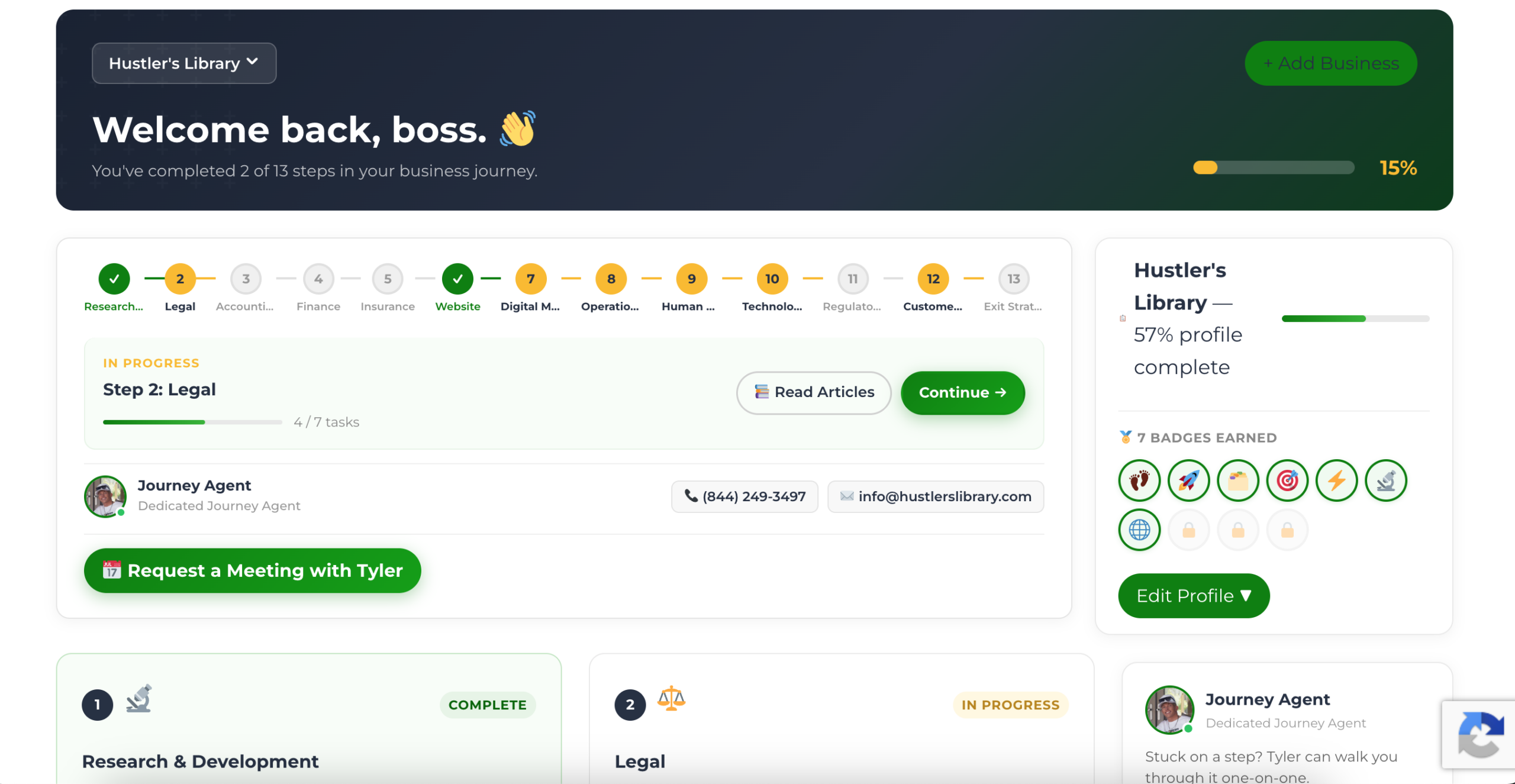
The Business Journey dashboard maps your exact position across all 13 stages. Track your progress, unlock resources for each step, and build with a framework used by thousands of founders at Hustler's Library.
No credit card required · Takes 3 minutes · Personalized to your stage