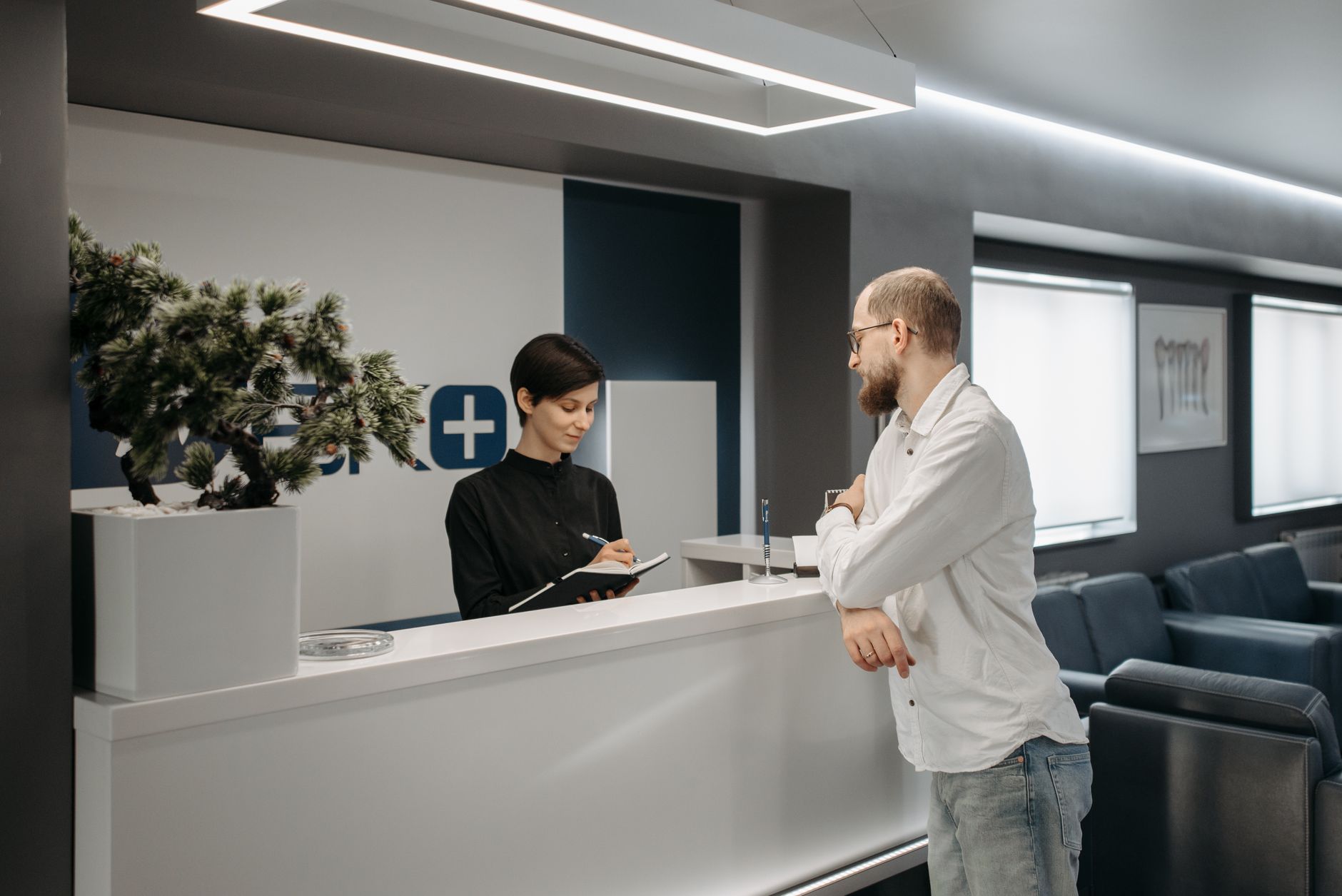
Your front desk is the first thing clients, vendors, and job candidates see when they walk through your door. It sets the tone for every interaction that follows. A polished, organized reception area communicates that you run a real business. A cluttered, improvised one communicates the opposite.
The good news: you do not need to spend $10,000 on custom millwork to make a strong first impression. With smart Amazon sourcing and a clear plan, you can build a professional front desk setup for $1,500 or less. This guide walks you through every product category you need, what to look for, and what to skip.
This post is part of the Complete Amazon Office Setup Series. If you are building out an entire office from scratch, start there for the full picture.
What You Actually Need at a Front Desk
Before you start clicking “Add to Cart,” think about what your reception area needs to do. Most front desks serve three functions: greet visitors, manage communications (phone and check-in), and project a professional brand image. Everything you buy should serve one of those three purposes. Anything else is clutter.
Here is the core product list. We have organized it by category with budget, mid-tier, and premium options where it makes sense.
1. The Reception Desk Itself
The desk is the anchor. Go too small and it looks like a cubicle. Go too ornate and it looks like a hotel lobby. For most small businesses, a clean L-shaped or straight desk with a raised counter panel hits the right note.
Budget Pick: Tribesigns Modern Reception Desk (~$350-$450)
The Tribesigns reception desk lineup offers L-shaped and straight configurations with a raised front panel, giving that classic “front desk” look without the custom price tag. Assembly takes about two hours and the finish holds up well. It comes in white, black, and rustic brown finishes. Honest trade-off: the particleboard construction is solid for light to moderate use but will show wear if you are running a high-traffic medical or legal office.
Mid-Tier Pick: Safco Products Medina Reception Station (~$700-$900)
If you want something that looks more substantial, the Safco Medina series is a step up. It uses laminate over MDF construction with metal hardware, configures in multiple layouts, and comes flat-packed for freight delivery. The result looks like furniture you would see in a regional accounting firm. Budget a weekend afternoon for assembly.
Premium Pick: Bush Business Furniture Series C Reception Set (~$1,200-$1,500)
The Bush Business Furniture Series C is the gold standard for budget-conscious professionalism. It includes a return panel, pedestals, and a hutch. The thermally fused laminate surface resists scratches and heat. This is what a real office furniture store would sell you for $3,000 or more. Skip the white glove delivery add-on and assemble it yourself to save $200.
2. Reception Seating for Visitors
You need somewhere for clients and visitors to sit while they wait. Budget two to four chairs for a small office, more for medical or high-volume service businesses.
Budget Pick: Flash Furniture Reception Chairs (~$60-$90 per chair)
The Flash Furniture reception chairs are the workhorse of small office waiting areas. Stacks of them are in dental offices, insurance agencies, and nail salons across the country. Vinyl upholstery wipes clean easily, the frames are sturdy, and they come in a dozen color options. Buy four and link them with a connecting arm for a clean row setup (~$12 extra per connector).
Mid-Tier Pick: Modway Sofas and Loveseats (~$250-$450)
A small loveseat or two-seat sofa immediately elevates the feel of your waiting area. The Modway modern reception sofas come in leather-look and fabric options, ship via UPS (no freight required), and look significantly more premium than individual chairs at a fraction of the custom furniture price. Pair with a small accent table and you have a lounge corner that impresses.
Side Table / Coffee Table
Do not neglect the side table. A simple round end table gives visitors a place to set their coffee or phone. Budget $40-$80 for something that matches your desk finish. Add a small business card holder ($12-$20) for your cards.
3. The Receptionist’s Chair
Your front desk staff member is sitting in that chair for six to eight hours a day. This is not a place to cut corners. At the same time, you do not need a $1,200 Herman Miller for someone who is primarily answering phones and greeting visitors.
The HON Ignition 2.0 (~$300-$350) is the sweet spot: mesh back for airflow, adjustable lumbar support, and a seat depth slider that accommodates different body types. It holds up to commercial use and looks professional from the front. If that is over budget, the Serta Smart Layers ergonomic chair (~$180-$220) is a solid runner-up that will not embarrass you when clients see it over the counter.
4. Computer, Monitor, and Check-In Tech
Your front desk needs a computer. What kind depends on what your receptionist does. If it is primarily calendar management, email, and visitor check-in, an all-in-one PC or an entry-level laptop with a stand is plenty.
Monitor
A 24-inch monitor on a monitor arm keeps the desk surface clean and positions the screen correctly. The LG 24MK430H (~$150-$180) is a reliable, anti-glare IPS panel that is easy on the eyes during long shifts. Mount it on a VIVO single monitor arm (~$30-$40) to free up counter space for the sign-in sheet or tablet. For a deeper look at monitor options across different use cases, see our guide to the best monitors for entrepreneurs.
Visitor Sign-In Tablet Stand
More businesses are replacing the paper sign-in clipboard with a tablet kiosk. If you go this route, a locking iPad or tablet floor stand (~$80-$130) lets visitors check themselves in while keeping the device secure. Pair with a free visitor management app like Envoy or Greetly for a polished digital experience.
Keyboard and Mouse
Go wireless. A Logitech MK270 wireless keyboard and mouse combo (~$30) keeps the cable clutter down and costs almost nothing. Upgrade to the Logitech MK550 (~$55) if your receptionist prefers a cushioned palm rest on the keyboard.
5. Phone System
A dedicated desk phone still matters for many small businesses, particularly in legal, medical, real estate, and financial services. It signals professionalism and keeps personal cell phone numbers private.
Budget: Panasonic KX-TGF382M (~$50-$70)
For solo or very small front desks, the Panasonic KX-TGF382M is a two-handset cordless system with call blocking, a digital answering machine, and a speakerphone. It connects to your existing landline or VoIP adapter. Not fancy, but it works every time.
Mid-Tier: Polycom VVX 250 VoIP Phone (~$100-$140)
If you are on a VoIP system like RingCentral, Vonage, or Nextiva, the Poly (formerly Polycom) VVX 250 is a four-line SIP phone with a color LCD screen that looks sharp on any front desk. It handles call transfers, conferencing, and voicemail with ease.
6. Organizational Supplies
A messy front desk undermines every dollar you spent on the furniture. A few targeted organizers solve this completely.
- Desktop organizer: Mesh desktop organizer with file sorter (~$25-$40). Keep pens, sticky notes, and incoming mail sorted and visible.
- Business card display: Acrylic business card display stand (~$10-$15). Put your cards where visitors can grab one on the way out.
- Cable management box: Cable management box (~$20-$30). Hide the power strip and charging cables so the desk surface stays clean.
- Pen cup and notepad holder: Acrylic or metal pen cup (~$12-$18). Always have a pen ready for visitors who need to sign something.
- Sanitizer dispenser: Automatic touchless sanitizer dispenser (~$25-$45). Post-pandemic, this is standard in any professional waiting area.
7. Lighting
Most overhead office lighting is harsh and unflattering. At the front desk, where clients see your staff face-to-face, adding a warm task light makes the entire interaction feel more human. A BenQ e-Reading LED desk lamp (~$80-$100) or a similar warm-tone task light positioned at the side of the monitor brightens the workspace without casting harsh shadows. For a deeper dive on desk lighting, check our guide to the best desk lamps for productivity.
8. Signage and Branding Touches
You do not need to hire a designer for this. A few simple items complete the professional look.
- Lobby sign or nameplate: Custom acrylic business signs on Amazon start around $40-$80 for a laser-cut name or logo panel. Mount it on the front panel of the reception desk or on the wall behind the receptionist.
- Hours and policy sign: A simple countertop acrylic sign holder (~$8-$12) with a printed hours-of-operation card looks cleaner than tape and paper.
- Small plant or succulent: A real or high-quality artificial plant on the corner of the desk softens the space. Artificial succulents run $10-$20, never need watering, and look good year-round.
Complete Front Desk Budget Breakdown
Here is a summary of what a complete, professional front desk setup costs at each tier:
| Item | Budget | Mid-Tier | Premium |
|---|---|---|---|
| Reception desk | $350-$450 | $700-$900 | $1,200-$1,500 |
| Visitor seating (4 chairs) | $240-$360 | $350-$500 | $600-$900 |
| Receptionist chair | $180-$220 | $300-$350 | $500-$700 |
| Monitor + arm | $180-$220 | $250-$350 | $400-$600 |
| Phone | $50-$70 | $100-$140 | $200-$300 |
| Organizers + accessories | $80-$120 | $120-$160 | $150-$200 |
| Signage + branding | $40-$80 | $80-$150 | $200-$400 |
| Total estimate | ~$1,100-$1,500 | ~$1,900-$2,600 | ~$3,300-$4,600 |
The One Thing Most Business Owners Skip
Most front desk setups fail not because of missing furniture but because of cable chaos. A $20 cable management box and a $10 pack of velcro cable ties prevent 90 percent of the wire spaghetti that makes even expensive desks look unprofessional. Buy them before you buy anything else and run cables before setting anything on the desk. You will thank yourself later.
What to Prioritize If You Are Starting With $500
If you are setting up a front desk on a tight initial budget, here is the order to spend:
- Desk ($350-$450) – the structural centerpiece
- Receptionist chair ($180-$220) – ergonomics matter for staff
- Basic organizers and signage ($60-$80) – makes the whole thing look intentional
Skip the visitor seating for now and add a couple of chairs from another part of the office temporarily. Add the monitor setup and visitor seating in month two once cash flow allows.
For reference, check out The Spruce’s guide to designing a waiting room for additional layout and decor ideas you can implement without spending a fortune.
Next Steps
Once your front desk is set, explore the rest of this series to finish out your office: the break room, the supply room, meeting room furniture, and the call center or sales floor are all covered with the same practical, Amazon-first approach.
Free Business Resources
Want more guides like this?
Join Hustler’s Library for free and get access to our complete library of business setup guides, templates, and tools.
Ready to Know Where You Stand?
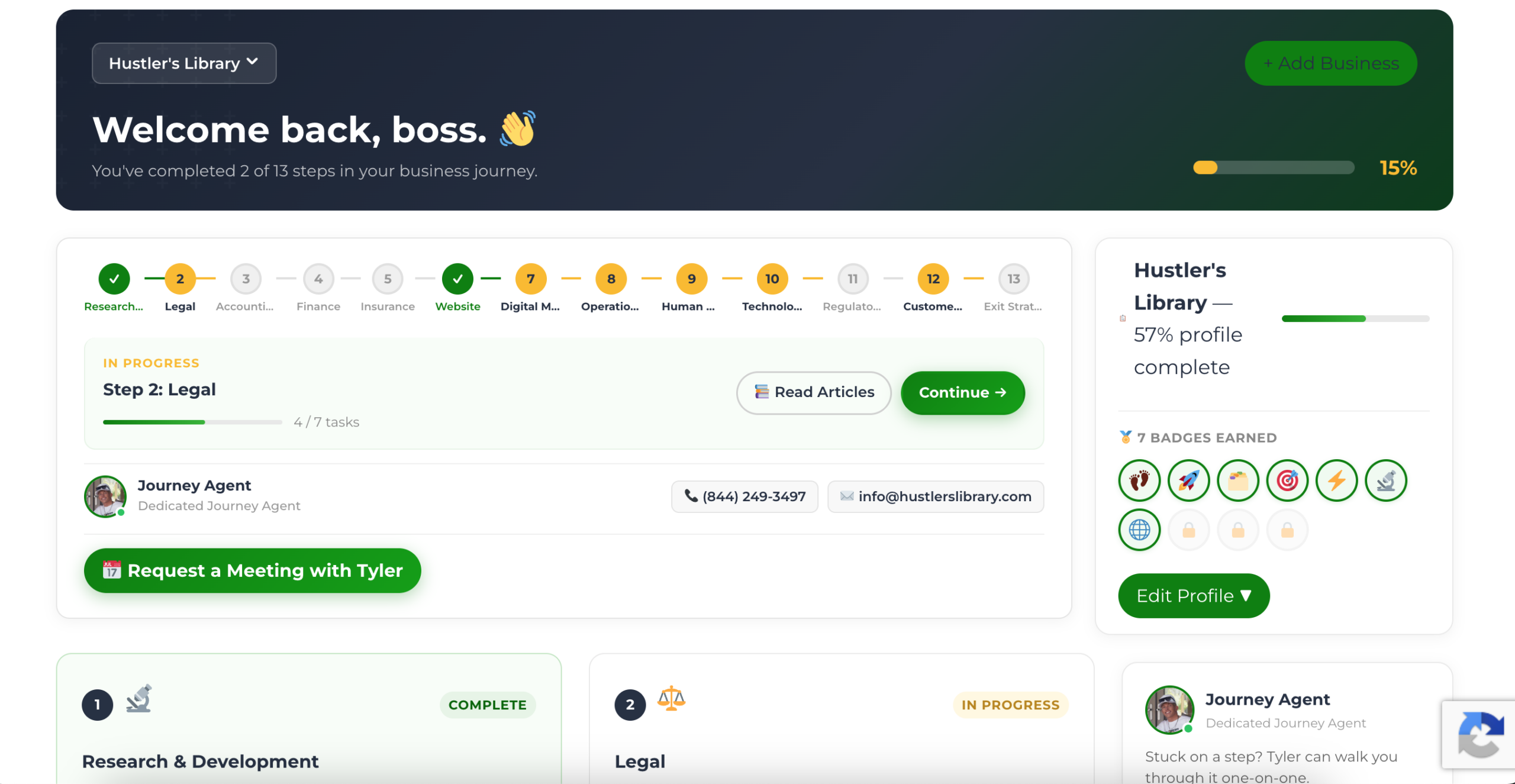
The Business Journey dashboard maps your exact position across all 13 stages. Track your progress, unlock resources for each step, and build with a framework used by thousands of founders at Hustler's Library.
No credit card required · Takes 3 minutes · Personalized to your stage