
Most salespeople are still relying on the same toolkit they had five years ago: cold emails, phone calls, and the occasional screen-share demo. Meanwhile, a small percentage of reps are consistently booking more meetings, getting faster replies, and closing at higher rates using a tool those other reps are barely touching: personalized video.
This is not about producing polished marketing content. It is about sending a 90-second video that mentions the prospect by name, references something specific about their business, and shows your face. That shift in medium, from text to video, changes the entire emotional dynamic of the outreach. And the data behind it is hard to argue with.
Why Video Works in Sales When Everything Else Gets Ignored
The average business decision-maker receives dozens of cold emails per week. Most of them look identical: a couple of lines of personalization pulled from LinkedIn, a pitch about saving time or money, and a request for a 15-minute call. Recipients have been trained to ignore these messages the same way they skip pre-roll ads. The bar for getting attention through text alone has never been higher.
Video breaks that pattern. When a prospect opens an email and sees a thumbnail of a real person sitting at a desk, pointing at their company name on a whiteboard or their website in a browser window, the psychological effect is immediate. It signals effort. It signals specificity. And it signals that a human being, not a sequence tool, reached out to them directly.
According to research from HubSpot’s sales blog, video prospecting emails generate reply rates three times higher than text-only equivalents in cold outreach campaigns. The lift is not marginal. For most reps who try it consistently, the results are immediate enough that they never go back to text-only prospecting.
The reason comes down to trust and recognition. We are wired to respond to faces. When you see someone’s face, hear their voice, and observe their energy, you form a judgment about them almost instantly. That judgment, when positive, creates a level of familiarity that a paragraph of text cannot replicate. By the time your prospect hops on a discovery call, they already feel like they know you. That changes everything about how the conversation goes.
The Tools You Need (And the Ones You Don’t)
You do not need a studio setup or a ring light to do this well. The tools that professional sales reps use are simple and inexpensive:
Video Recording and Hosting
Loom is the most popular choice for async sales video. It records your face in a bubble, your screen in the background, and automatically generates a link you can paste into an email. The free tier allows up to 25 videos, and the paid version ($12.50/month) removes the cap and adds viewer analytics so you can see who watched, how long they stayed, and when they rewatched. That viewer data alone is worth the price. When a prospect rewatches your video three times, you know exactly when to follow up.
Vidyard is the enterprise alternative, with deeper CRM integrations (especially with HubSpot and Salesforce), personalization tokens, and dedicated sales analytics. If you are managing a team, Vidyard’s reporting tools make it easier to coach. For individual reps or small business owners, Loom is usually the better starting point.
Sendspark is worth knowing about if you want to scale personalization. It lets you record one video and dynamically insert each recipient’s name or company website into the background. The result looks like a fully custom video but only takes the time to record once. For outbound prospecting at volume, this is a powerful approach.
A Note on Equipment
Your built-in laptop camera works fine for most prospecting videos. Good lighting matters more than camera quality. Sit near a window facing toward you, or invest in a basic ring light ($25 to $40 on Amazon) for consistent results. A wired headset or earbuds eliminates echo and improves audio dramatically. That is the full equipment list you need to start.
If you want to invest further, a quality webcam like the Logitech Brio 4K gives you noticeably sharper video and better low-light performance. But do not wait until you have the perfect setup. Good lighting with your laptop camera beats a beautiful camera with bad lighting every time.
The Anatomy of a Prospecting Video That Gets Replies
The structure of an effective prospecting video is not complicated, but every element matters. Here is the framework that works consistently:
First 5 seconds: hook with their name or their business. Open the video on your screen with their website, their LinkedIn profile, or their company name written on a whiteboard. Say their name immediately. “Hey Sarah, quick video for you specifically about…” This signals personalization before they have heard a single word of your pitch.
Seconds 5-20: the why-I-reached-out moment. Be specific. Not “I noticed your company is growing” but “I saw your post about expanding into the Phoenix market last month.” Not “I work with businesses like yours” but “I was looking at your pricing page and noticed you’re still doing manual quote requests by email.” The specificity is what separates a video that gets a reply from one that gets deleted.
Seconds 20-60: the value you bring. Keep this tight. One sentence on what you do, one sentence on the outcome you create. “We help service businesses like yours automate the proposal process so you can send a professional quote in 90 seconds instead of 20 minutes. For teams doing more than 10 quotes a week, that typically saves 8 to 10 hours per month.” Specific, outcome-focused, brief.
Last 15-20 seconds: one clear call to action. Ask for the next step directly. “I would love to show you exactly how this would work for your business specifically. Are you open to a 20-minute call next week?” End the video. Do not trail off, do not over-explain, do not apologize for reaching out.
Total length: 60 to 90 seconds. Longer than that and completion rates drop sharply. Shorter than 45 seconds and you do not have time to build enough context to feel worth replying to.
Using Video Later in the Sales Process
Prospecting is where most salespeople first try video, but it is not the only place it compounds. Video touchpoints throughout the sales cycle create a fundamentally different buyer experience from what your competitors are providing.
The Post-Discovery Recap Video
After a discovery call, instead of sending a written email summary, record a two-minute Loom recap. Walk through what you heard from them, restate the core problem in their own words, and preview what you are going to send them next. This alone distinguishes you from every other vendor they talked to that week. It shows you were listening, it reinforces the key points before your proposal lands, and it sets the stage for a faster yes. If you want a framework for structuring that discovery call itself, the post on running a discovery call that sets up the close covers exactly how to structure that conversation before you hit record.
The Proposal Walkthrough Video
Proposals sent without explanation get misread, mispriced, and forgotten. Attach a 3 to 4 minute screen-share video walking your prospect through the proposal page by page. Explain the reasoning behind your pricing, highlight the parts that address what they told you mattered most, and tell them exactly what to do next. This dramatically reduces the “I need to think about it” delay and cuts down on follow-up cycles. Pair this with the strategy in the guide to writing a proposal that wins and you have a combination that closes faster than almost anything else.
The Follow-Up Re-Engagement Video
When a deal has gone quiet, a video follow-up consistently outperforms text. Open your Loom, show their proposal or a relevant piece of content, and say: “Hey, I know things get busy. I wanted to make sure this did not fall through the cracks and just check in to see if you had any questions.” Short, human, no pressure. You will be surprised how many dead deals wake up when a real face shows up in the inbox instead of another typed check-in.
The Thumbnail Is Half the Battle
Most video tools let you choose your thumbnail, which is the still image that appears in the email before the recipient clicks play. This is one of the highest-leverage details in video sales, and it is almost always ignored.
An effective thumbnail shows your face with a clear expression of engagement, and ideally includes something specific to the recipient. Holding a whiteboard with their company name, having their website open behind you, or pointing at a specific detail on their homepage all work well. The goal is to make it instantly obvious this video was made for them specifically and is not a generic message blasted to a list.
Some reps draw a simple arrow on the thumbnail pointing to the play button with a note like “recorded for you.” Gimmicky? Maybe slightly. But it consistently increases play rates, and play rates are what matters.
Measuring What Is Actually Working
The metrics worth tracking in a video sales strategy are: view rate (what percentage of people you sent the video to actually watched it), completion rate (how much of the video they watched on average), and conversion rate (what percentage of video viewers booked a call or replied). Loom and Vidyard both surface these metrics per video and in aggregate over time.
A view rate above 40% on cold outreach is strong. Completion rates above 70% mean your video is holding attention. If your view rate is low, the problem is usually your email subject line or the thumbnail. If your completion rate is low, the video itself is losing people, usually because it is too long or too generic in the first 20 seconds.
Track these numbers the same way you would track open rates and reply rates on email sequences. Iterate on your script, your thumbnail, and your opening line based on what the data shows, not on what feels right.
Getting Started Without Overthinking It
The biggest mistake salespeople make with video is spending too long preparing. You do not need a script. You do not need a perfect recording. You need to open Loom, pull up the prospect’s LinkedIn or website, hit record, and say their name.
Record your first ten videos for real prospects. Do not delete them if they are not perfect. Send them anyway. The authenticity of a slightly imperfect, clearly human video performs better than a polished, over-rehearsed one that feels scripted. Prospects can tell the difference.
Once you have ten videos under your belt, you will have found your rhythm. The approach that felt awkward at the start becomes natural fast, and the reply rates you see will make it impossible to stop.
Ready to sharpen your full sales strategy? Join Hustler’s Library for free and get access to the complete library of sales frameworks, scripts, and tools built for small business owners who close deals themselves.
Ready to Know Where You Stand?
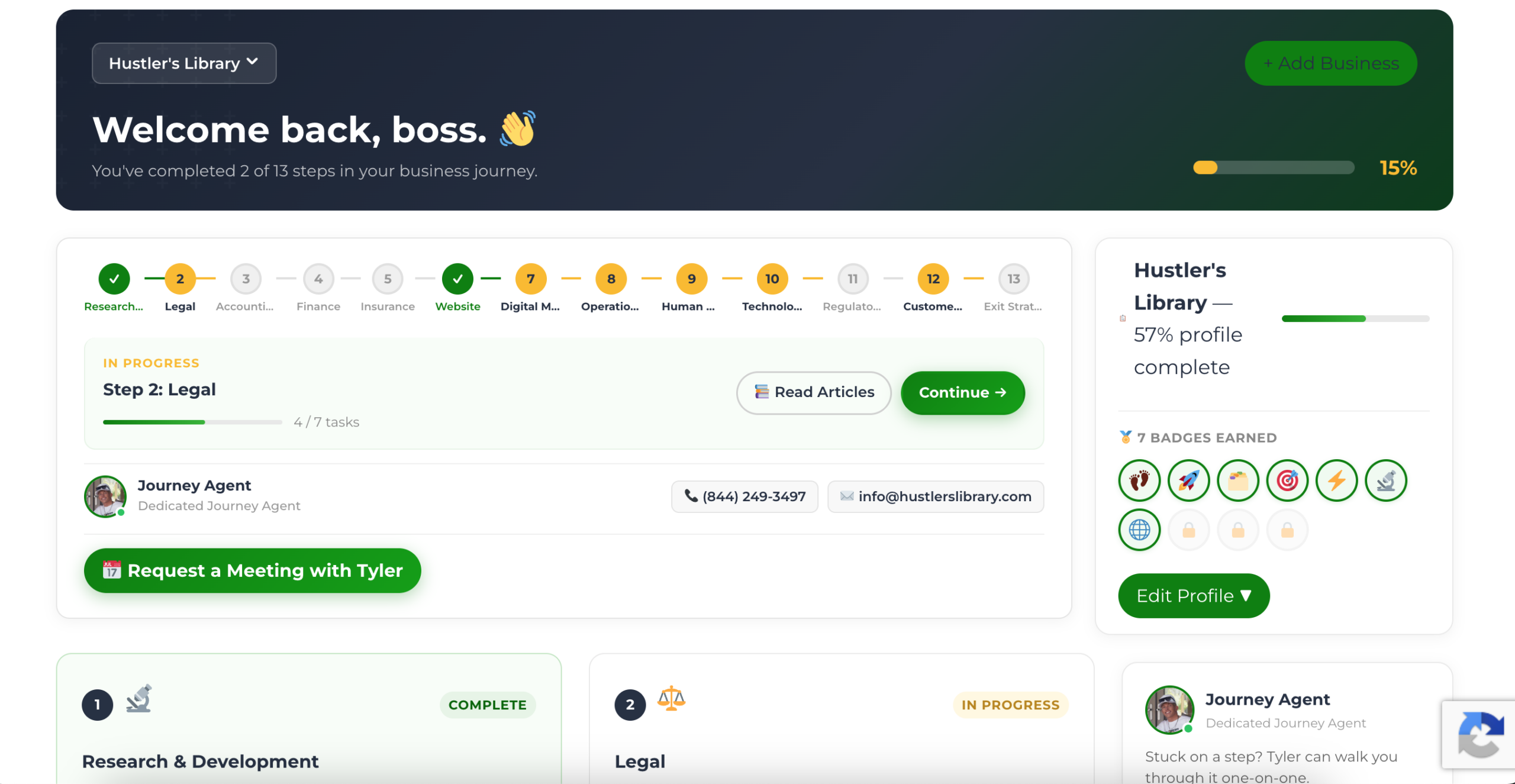
The Business Journey dashboard maps your exact position across all 13 stages. Track your progress, unlock resources for each step, and build with a framework used by thousands of founders at Hustler's Library.
No credit card required · Takes 3 minutes · Personalized to your stage